I call Enlivy a commercial operations platform. The name means software for businesses that sell work: it carries one deal from the lead to the renewal, so nobody types the price a second time. This article explains the name, follows one deal step by step, and says what Enlivy leaves to other tools.
The same deal, typed four times
Picture a studio that sells a website and a monthly care plan. A request arrives by email, and the price is agreed in that thread. Someone types the price into a proposal in a document tool. When the client says yes, someone types it again into a contract. Then it goes into an invoicing tool, and a fourth time into a payment tool that asks for an amount.
Each of those tools does its own job well. The trouble is what happens between them. Each time the deal moves to the next tool, the price, the scope or the client’s details can change, and a person has to notice.
I spent fifteen years building software for other people. Enlivy is what I built so that a deal is typed once: the price your client accepts in the proposal is the price on the contract, the first invoice and every renewal.
What the name means
“Commercial” is the side of a business where work is sold and paid for. “Operations” is the daily work on that side: sending proposals, contracts and invoices. “Platform” means every step uses the same price and the same client details, instead of people copying them from tool to tool.
In a large company, commercial operations is often a team: the people who prepare the proposals, contracts and invoices for what the sales team sells. In a small business that sells work, it is usually the owner, between other jobs. A commercial operations platform is the software for that job.
In Enlivy, the job is a chain: lead, proposal, contract, invoice, payment and renewal. Three more features sit around the chain:
- the Customer Portal, where your client finds their proposals, contracts and invoices;
- EU e-invoices: you can download each invoice you issue in the EU e-invoice format (EN 16931);
- tasks, for the work you deliver once the deal is signed.
The reference definition, with every feature and its limits, is on the commercial operations platform page.
One deal, from the lead to the renewal
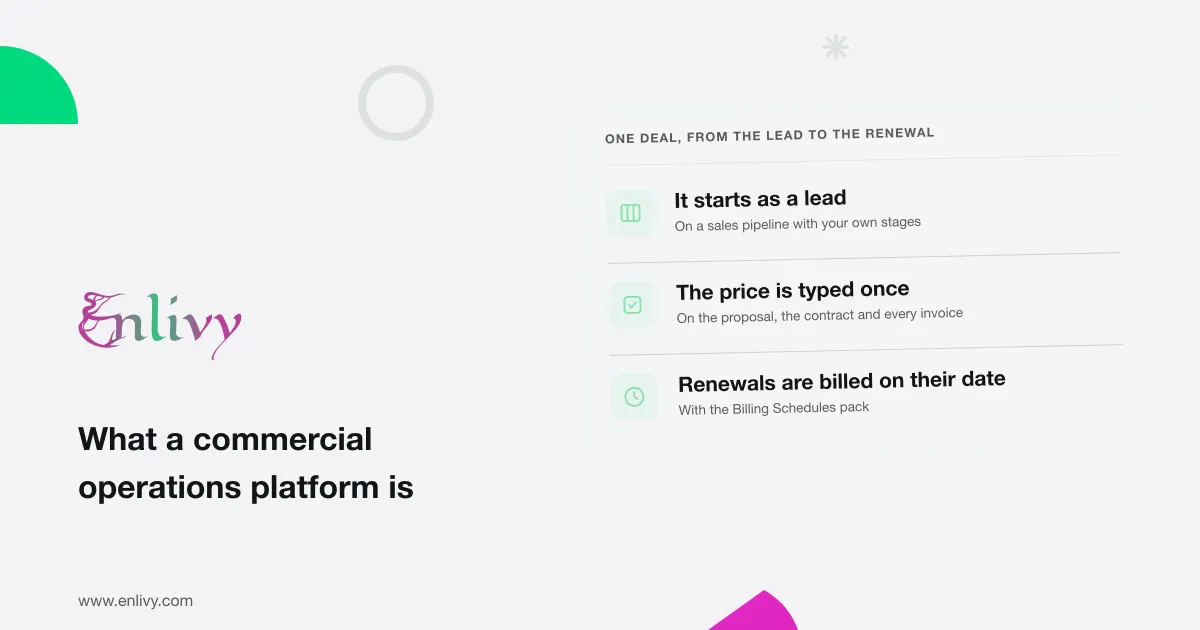
Here is the studio’s deal as Enlivy runs it. Each step reuses the price and the details from the step before.
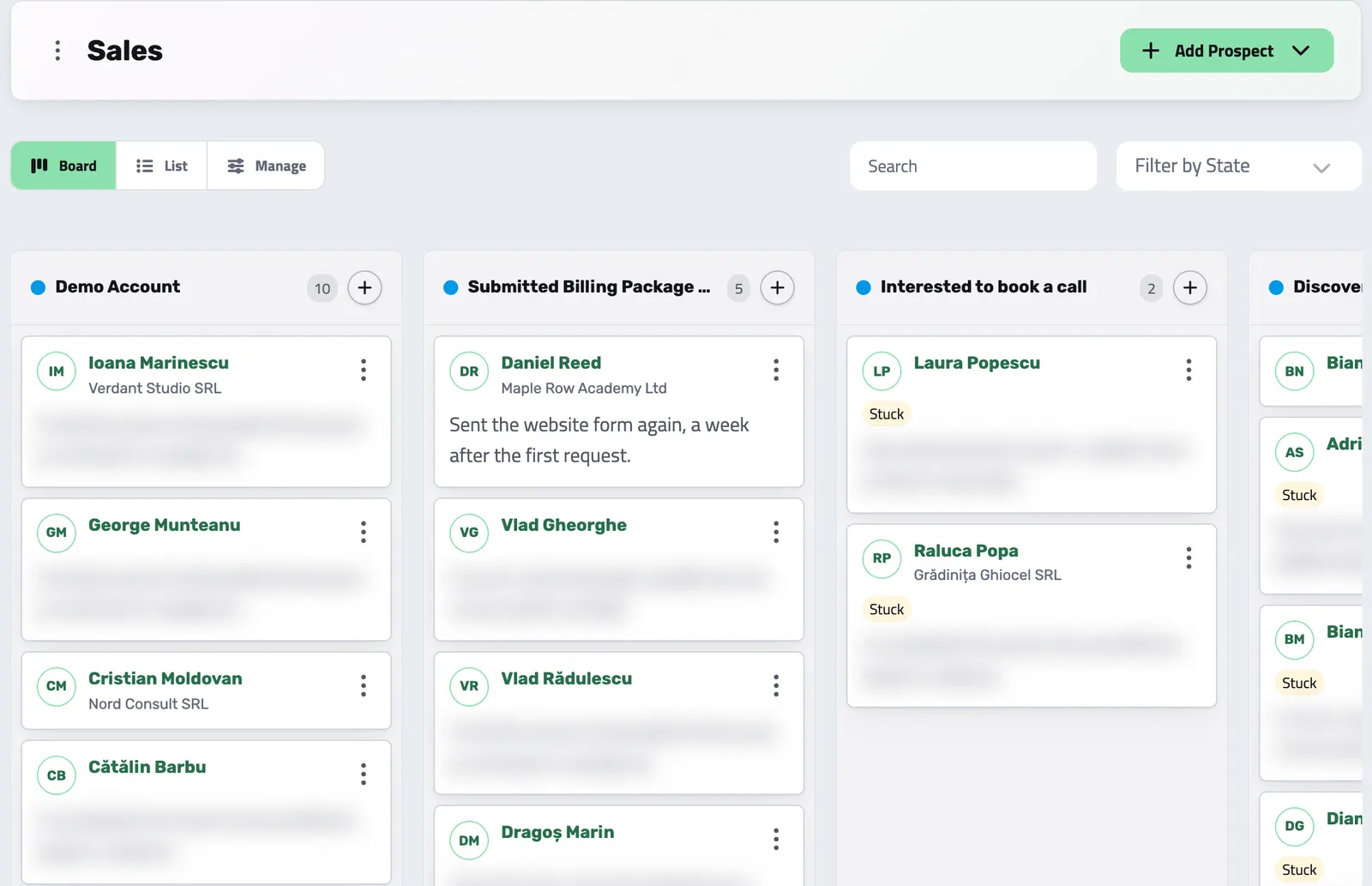
- Lead. The request becomes a lead on your sales pipeline. You add the lead yourself, or it arrives from a price calculator you can add to your website. You move the lead through stages you named. Your notes on each call and meeting stay on the lead’s page, with the lead’s proposals.
- Proposal. In a billing package, you set what you sell and its prices once. You create a proposal for the lead from the package, and Enlivy copies the prices into it. The proposal starts as a draft and is valid for 30 days unless the package sets another period. A lead from the price calculator arrives with its proposal already priced.
- Client. On the proposal, you turn the lead into a client: you link the lead to an existing client or create a new one. The contract and the payment need a client, so do this before you send the proposal. The lead stays on your pipeline, linked to the client.
- Send. You send the proposal. Enlivy emails it from your own address once you have connected your mailbox, and every later email to your client goes out the same way. Without a mailbox, nothing is emailed: you copy the proposal’s link and send it yourself.
- Acceptance. Your client opens the proposal from the link, with no password, and accepts at the price they saw. Enlivy emails you.
- Contract. If your package includes a contract template to use when the client accepts, Enlivy drafts the contract. You send it, and your client signs online.
- First payment. When everyone has signed, your client chooses how to pay. If they pay by card, the payment goes to your own Stripe account, and Enlivy issues the invoice as paid once the charge succeeds. If they pay by bank transfer, Enlivy emails a preliminary invoice, which is a payment request before the final invoice. When you mark it paid, Enlivy creates the final invoice.
- Renewal. With the Billing Schedules pack, a set of paid features, Enlivy issues the next invoice on each billing date at the accepted price and emails it. For a client who pays by card, Enlivy also charges the saved card.
What a commercial operations platform is not
The name is close to “commerce operations platform” and “business operations platform”. The first usually means the back office of a shop: orders, stock and shipping. The second usually means the internal processes of a whole company. Enlivy is neither.
Three limits matter more:
Where the free plan ends
On the free plan you can keep up to 5 leads, won and lost ones included. Each month it also covers 3 proposals, 1 contract and 5 invoices, and those allowances reset on the 1st. When you reach a monthly allowance, that feature turns read-only until the 1st.
A pack lifts each limit: Sales for leads and proposals, Contracts for contracts, Invoicing for invoices. Recurring billing, the last step above, needs the Billing Schedules pack. Plans and pricing lists every pack and its price.
If your work is sold over several conversations and billed to the same client again, you already run this chain by hand. Contract to cash: the workflow service businesses get wrong shows where it usually breaks. To see which situation looks like yours, start from the solutions. To see how Enlivy compares with a CRM, a billing tool and accounting software, read why Enlivy.
The best test of a commercial operations platform is your own next deal. Add the lead, send the proposal from Enlivy and follow it to the paid invoice.