

Playbooks
Turn team know-how into step-by-step guides
Write step-by-step procedures for the work your team repeats, with checklists, files and video, and keep them up to date as the work changes.
Write your first playbookFree account, no card needed. The Playbooks pack is €4.99/month, excluding VAT, and you add it in the app.
THE PLAYBOOKS ADVANTAGE
Give your team the same steps for recurring work
Write a process down once, and anyone on the team can follow it.
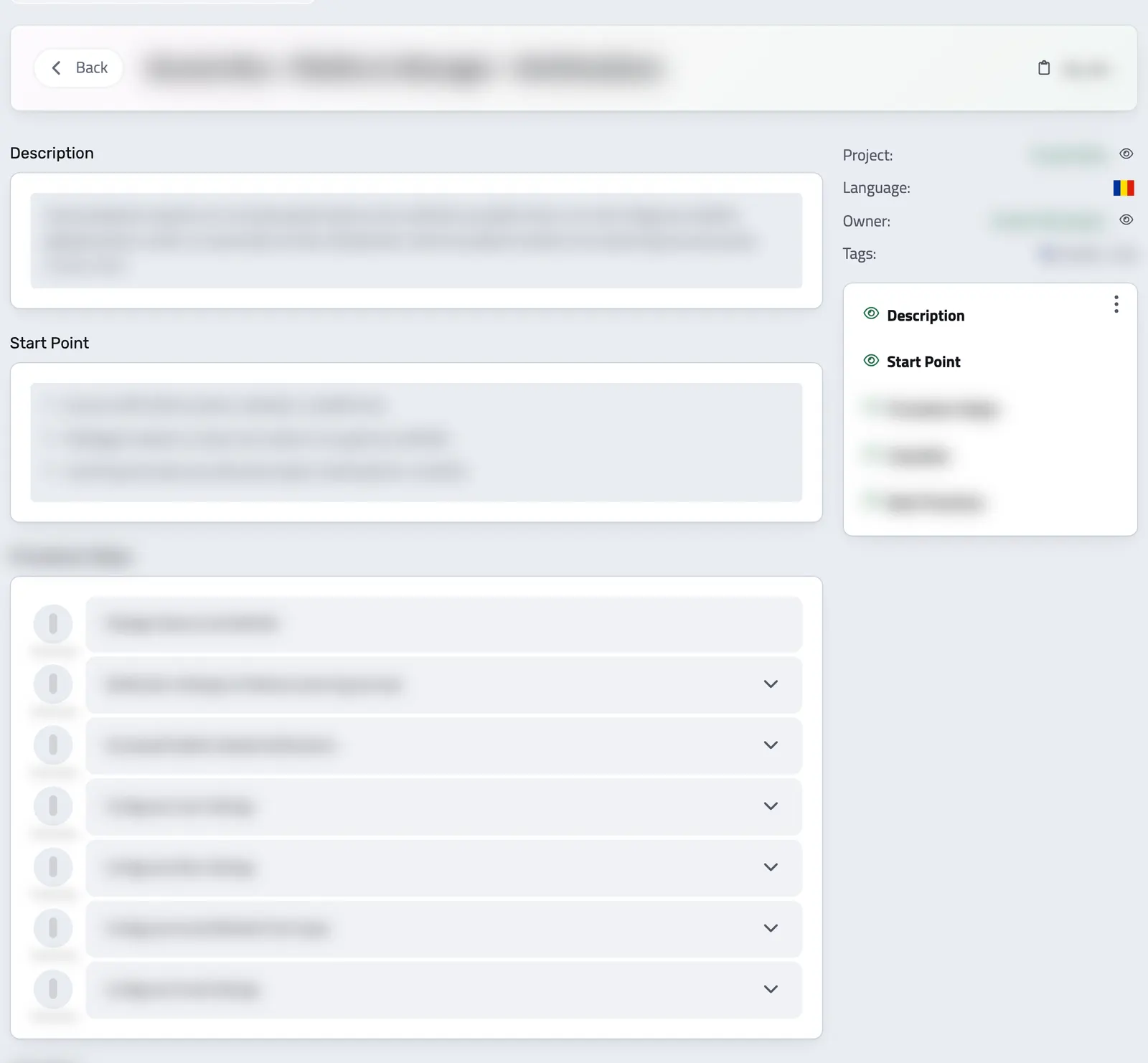
With Playbooks, you write a process in sections: where it starts, the steps, a checklist and common questions. For invoicing, onboarding or closing the month, your team follows the same written steps.
Each playbook has an owner who keeps it up to date. You can link it to a project and place it under a parent playbook when one process is part of a larger one.
-
The same steps, whoever does the task
No more documents nobody can find and tasks done a different way each time. Everyone follows the same written steps, inside Enlivy.
-
Explain a task once
Point a new colleague to the playbook instead of explaining the same task again on another call.
-
Clear steps, checklists, and videos
Each step can carry its own instructions and files. Add only the sections you need, from the start point to best practices.
-
Right where your team works
Playbooks live in Enlivy next to the invoices, projects and other records the steps refer to.
WHEN TO USE A PLAYBOOK
For tasks that have to be done the same way
Use a playbook when a task repeats and the order of the steps matters.
The most common use cases:
-
Onboarding new employees
Give new hires clear, step-by-step instructions they can follow on their own from day one, without hand-holding.
-
Standardizing recurring processes
For tasks like sending invoices, managing users or importing transactions, everyone follows the same steps.
-
Delegating or scaling operations
When you hand off a task or your team grows, a written playbook makes it easier for someone else to take the task over.
-
Documenting internal knowledge
Do not let your team's know-how live in someone's head. Turn it into a clear guide anyone can open and follow.
How to write playbooks in Enlivy
Create the playbook, choose its sections, then fill them in.
-
Start from the Playbooks section
From the left-side menu, go to Playbooks to open the list. Click Add Playbook, then enter the name and description, choose the language, assign an owner and, if you like, link it to a project.
-
Select your structure and add content
Choose the components that best fit your process by ticking the relevant boxes:
- Has Start Point? Marks where the playbook begins.
- Has Start Point Steps? Defines the initial steps to start the process.
- Has Video? Adds a link to a video walkthrough.
- Has Procedure Steps? Adds the steps in order, each with its own instructions and files.
- Has Support Files? Attaches helpful documents or templates.
- Has Checklist? Adds a list of things to check before the task is done.
- Has End Point? Marks where the process ends.
- Has End Point Steps? Outlines closing or wrap-up steps.
- Has Best Practices? Shares tips and recommendations.
- Has FAQs? Answers the questions people usually ask.
After selecting your structure, you can add and customize the content for each section within the playbook editor, creating a clear and tailored guide.
-
Save and view your playbook
Once you have added your content, save the playbook. Your team reads it section by section, with a table of contents.
-
Download playbook
Download the playbook as a PDF in its own language, to send it to someone or use it offline.
What Playbooks give your team
Your processes are written down where your team can find them, follow them and keep them up to date.
- Capture team knowledge
What one person knows about a task is written down as a process the whole team can read.
- Standardize repetitive work
Write out the steps of the tasks that repeat, so they are done the same way each time.
- Share with clients and collaborators
Give a client or an outside collaborator access in the Customer Portal to read the playbook and, if you allow it, download it.
- Earlier versions are kept
Update a playbook as your work changes. Every saved change keeps the earlier version, so you can see what changed.
Where it fits
Part of these setups
Each page follows one way of selling and shows what your client does, which features you use and what they cost.
Works together with
- Data Export Choose the period and the record types, and download one archive for your accountant, with a summary spreadsheet for each type if you want one. Free on every plan.
- MCP Connect Claude, ChatGPT, Cursor, or another MCP-compatible assistant to work with your invoices, contracts, and pipeline, within your own permissions.