

Users
Manage Your Team, Clients, Suppliers, and Accountants in One Place
Easily customize roles and permissions in Enlivy for clients, partners, accountants, and administrators, ensuring secure and efficient access.
Invite your teamFree account, no card needed.
THE USER MANAGEMENT ADVANTAGE
Organized, Secure User Management
Built for Real Teams
Built for clarity, speed, and control, Enlivy helps you manage users, roles, and financial workflows.
Solo founder or growing team: everything stays in sync, from the people you work with to the invoices you send.
-
Centralized User Management
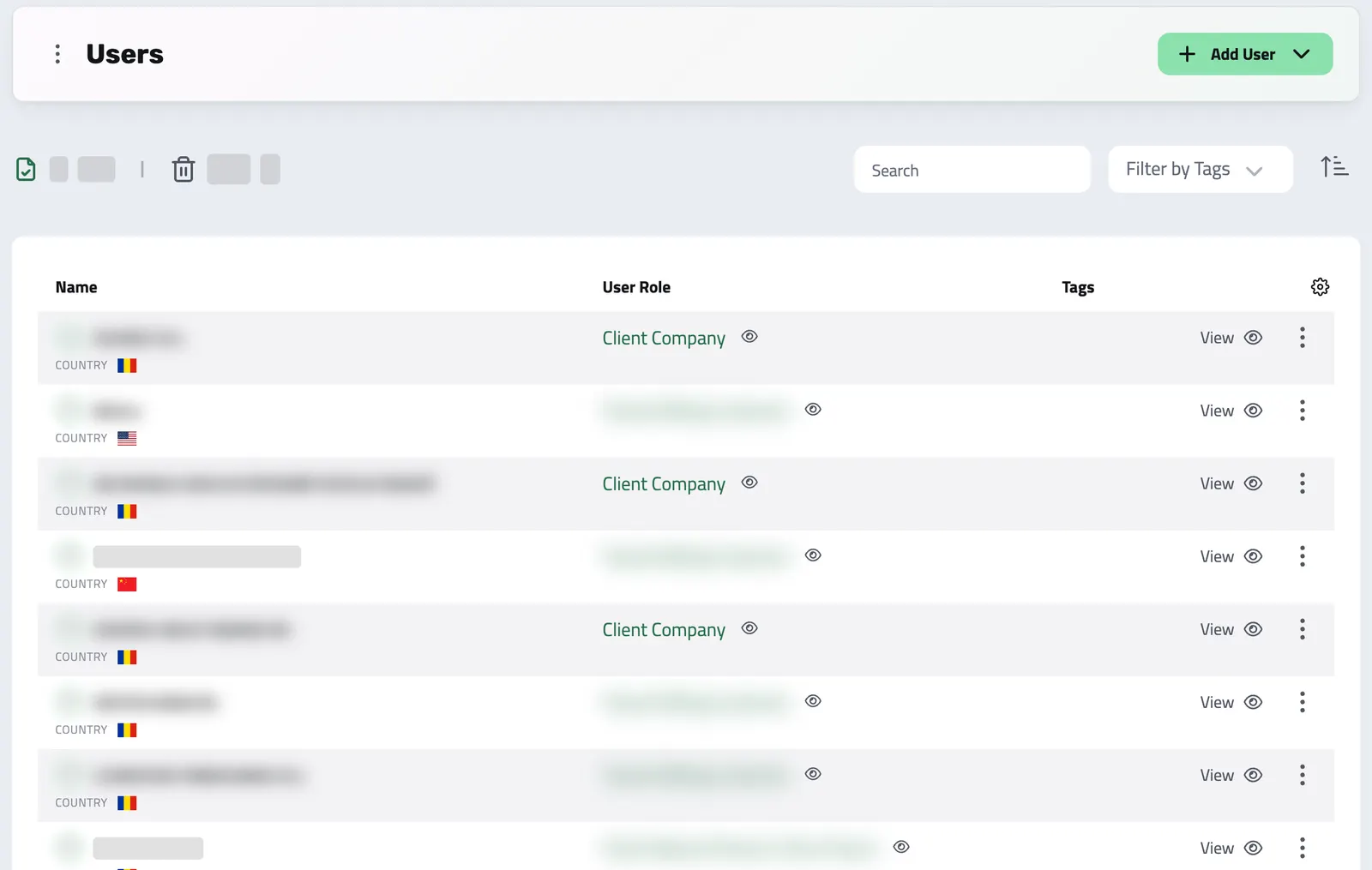
Manage all your contacts, clients, suppliers, and employees from one dashboard, with full control over roles, access, and behavior.
-
Role-Based Permissions
Choose what each person or entity can see and do, from invoicing to payroll to back-office access, with just a few clicks.
-
Ready for Action
Every change to a user is recorded in its event trail, so audits start from clean records.
Manage All Your Contacts, Each With Their Own Role
-
Flexible Enough for Any Use Case
Create users for individuals or business entities, and assign them roles like Client, Employee, Contractor, or Partner.
-
More Than Just a Contact List
Every user can be invoiced, included in payroll, linked to transactions, or given back-office access, depending on their role.
-
Clear Visibility & Structure
Quickly filter and tag users, keeping your workspace tidy as it grows.
-
See the Sales Relationship
When your role can view them, the Prospecting tab brings together proposals received, prospects matching the contact email, and prospects assigned to this user. Review the matches before treating them as the same person.
SALES CONTEXT
See the relationship behind a contact
The Prospecting tab can show proposals received, Prospects with a matching contact email and Prospects assigned to the user, according to your access. Review email matches before relying on them as identity.
TRY IT
Everyone You Work With, One Live List
In Enlivy a user is anyone with data in your organization: clients, contractors, team members, suppliers. Search the real directory by name or email; this is the actual app component, running live on demo data.
Works together with
- User Roles Give every user the right access with role-based permissions. Decide who can invoice, manage payroll records, or reach the back office, and adapt roles as your team grows.
- Billing Schedules Set up a subscription, retainer, or payment plan, link its invoices and receipts, and see exactly how much has been paid, what is pending, and where each relationship stands.
- Invoices Create an invoice, send it to your client, and connect the contract, receipt or bank transaction that belongs with it. For Romanian e-Factura, use the configured ANAF connection.
- Payslips Your accountant works out the figures. Enlivy is where they land: every amount on its own coded line, in the vocabulary your country actually uses, checked against the payslip's own totals and tied to the employment, the contract and the payment it belongs to.
- Receipts Record money in and money out, keep supporting files together, and connect a receipt to its related invoice or contract when needed.
- Bank Transactions Bring every transaction into Enlivy: synced from your bank, imported from a file, or entered by hand. Then tie each one to the invoice, receipt, or payslip it belongs to, so every payment sits next to the document it settles.
- Contracts Draft contracts from templates, send them for signature with SMS or email identity verification, and track every signature and renewal.
- Sales Pipeline See which opportunities are moving forward, review the conversation before you follow up and keep proposals close to the deal.
- Reports Replace updates spread across chat and email with structured reports your team fills in. You define the questions and the expected rhythm once with a reusable schema, share it with the people who answer it, and every submission lands in Enlivy, ready to compare.
- Data Export Export your invoices, receipts, payslips, contracts, and transactions in the format and folder structure your accountant expects, for any date range. Built in, at no extra cost, on every plan.
- MCP Connect Enlivy to Claude, ChatGPT, Cursor, or any AI assistant through MCP. Ask about your invoices, contracts, and pipeline, and get real work done, safely scoped to exactly what your own account can already do.