

COMMERCIAL OPERATIONS PLATFORM
A commercial operations platform runs the deal from proposal to renewal. Enlivy is one, for businesses that sell work.
Free to start. No card needed.

DEFINITION
What is a commercial operations platform?
Software that runs the commercial side of work you sell on one record: the proposal, the contract, the invoice, the payment and the renewal.
-
One record for the deal
The scope, the price and the payment plan are written once, in the proposal. The contract and each invoice take them from there.
-
It starts before the sale
A CRM records the win. Here the record starts with the proposal your client accepts, and Enlivy drafts the contract from it when your package includes one.
-
It keeps going after the first invoice
Installments and renewals are billed from the same record. With the Billing Schedules pack, Enlivy issues each invoice on its date.
-
Your client acts in it
Your client accepts, signs and pays from your emails or your client portal, under your name.
ONE DEAL, FOLLOWED THROUGH
Follow one deal from the package to the renewal. Who acts at each step, and what Enlivy does on its own.
-
Package
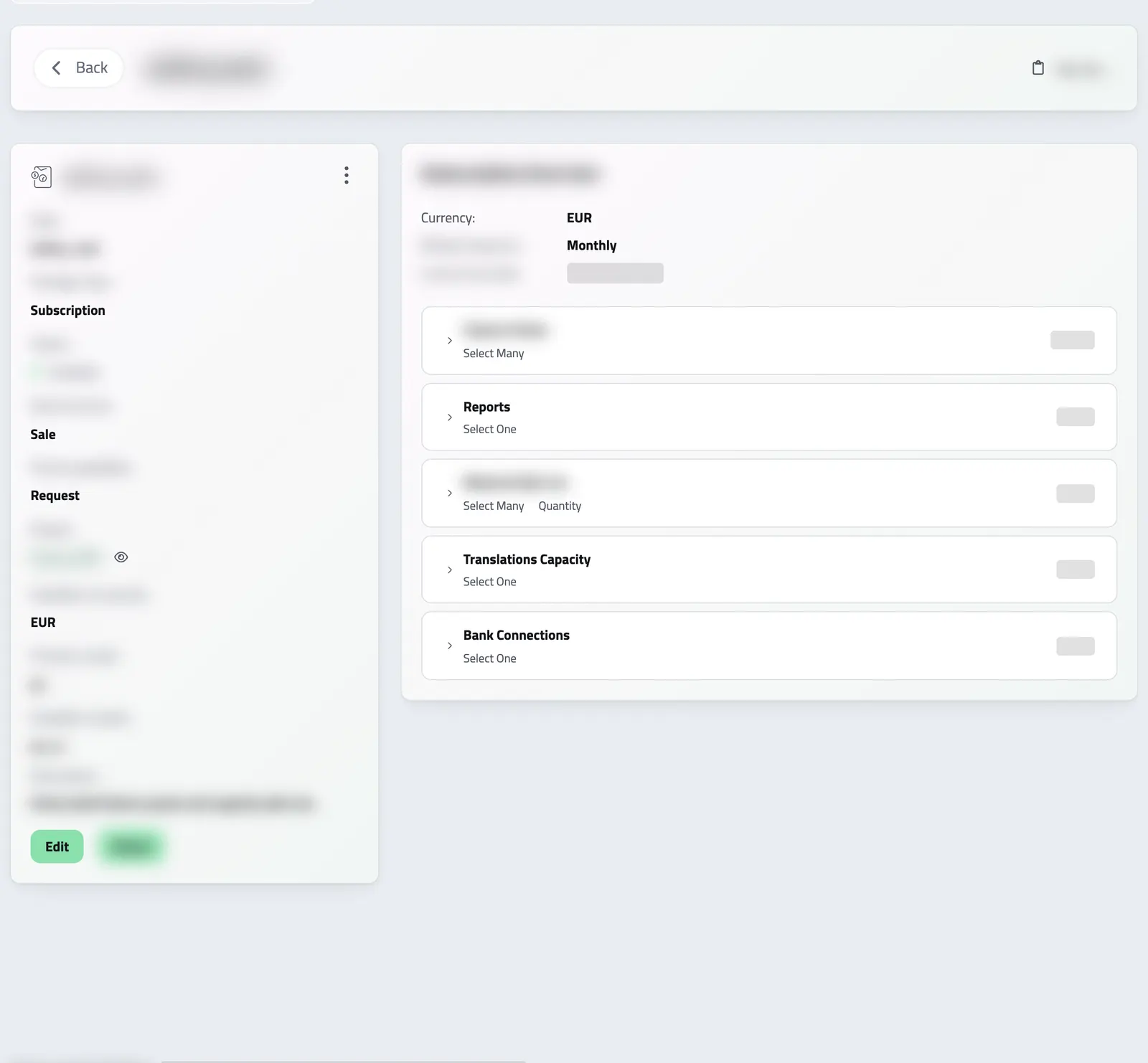
You price what you sell once, with its cycle, currency and products. A visitor can pick it on your website.
See billing packages -
Proposal
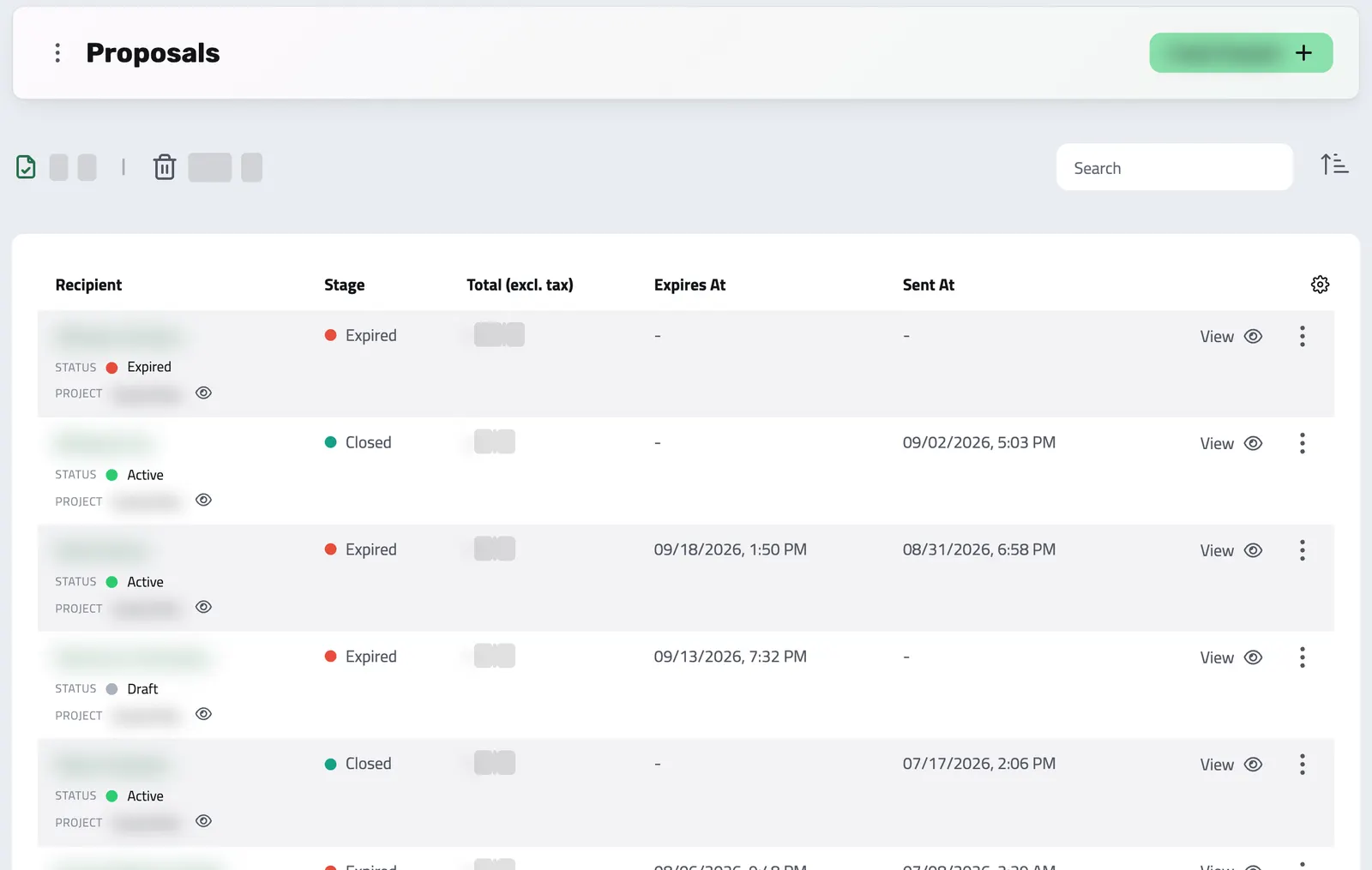
You send it from the package or write the lines yourself. Your client accepts from your email.
See proposals -
Contract
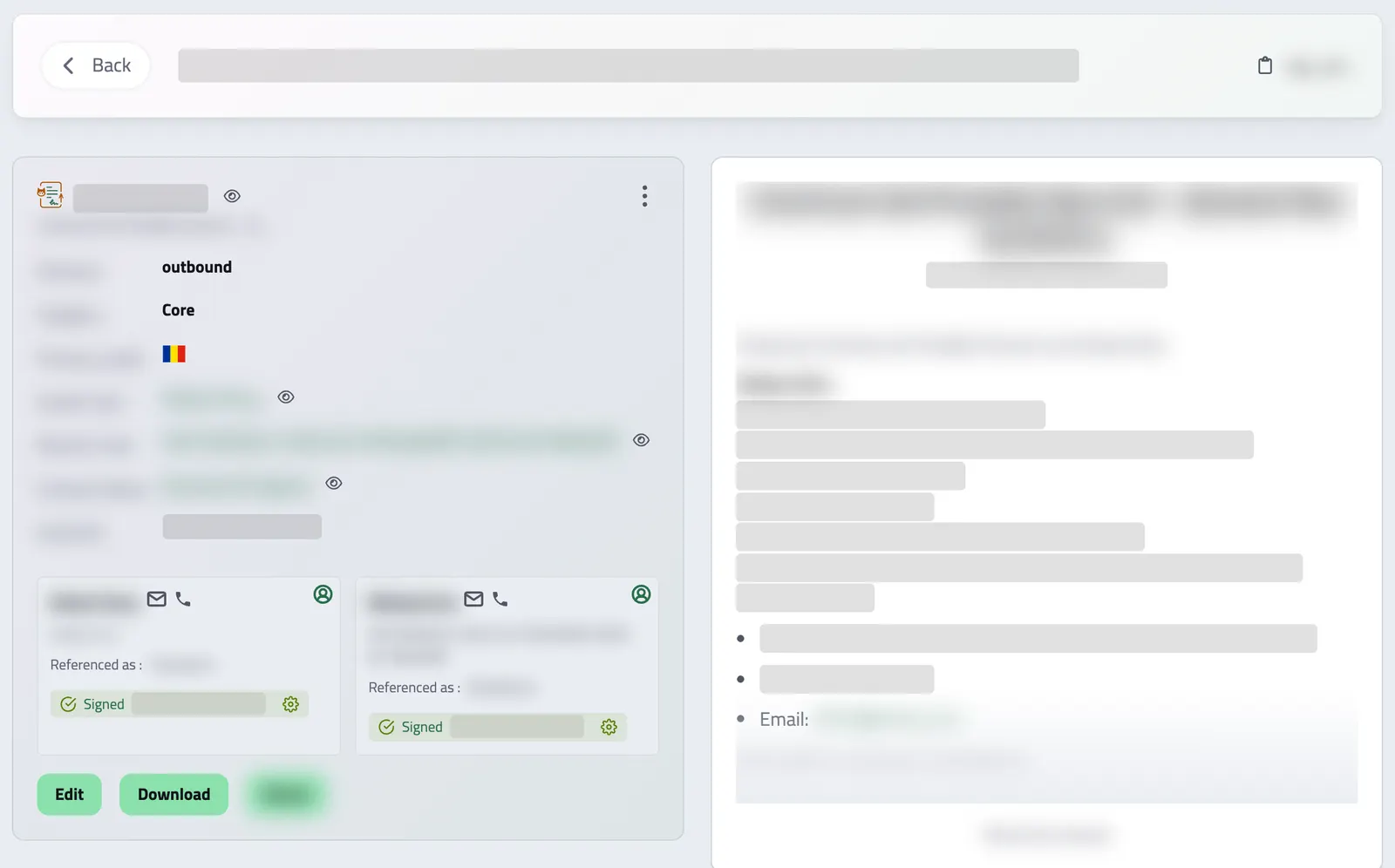
Enlivy drafts it when your client accepts or pays. You send it, and every party signs online.
See contracts -
Payment
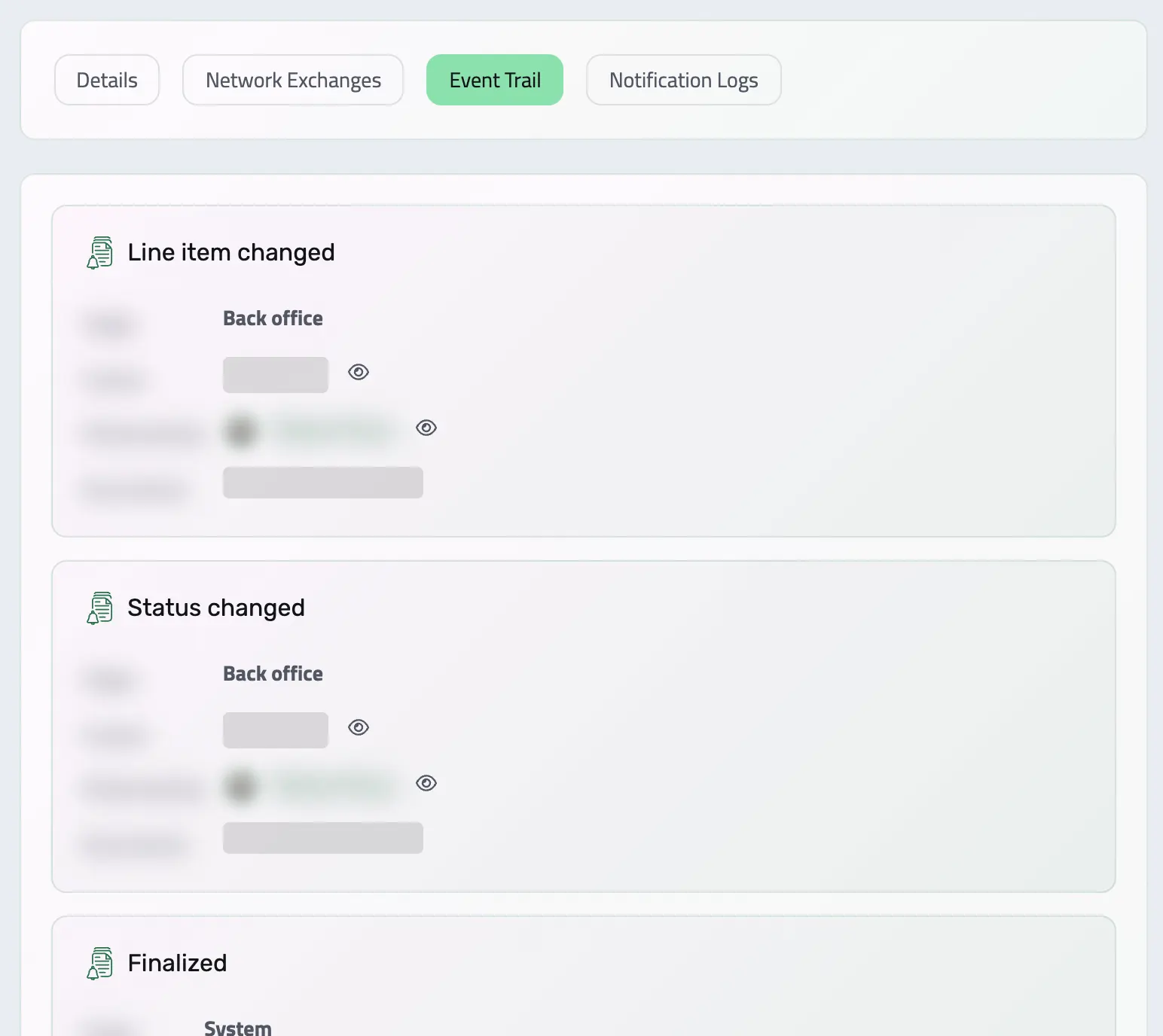
Card payments go to your own Stripe account and mark the invoice paid. You confirm bank transfers.
See invoice payments -
Renewal Billing Schedules pack
On each billing date, Enlivy issues the invoice and charges the saved card.
See billing schedules -
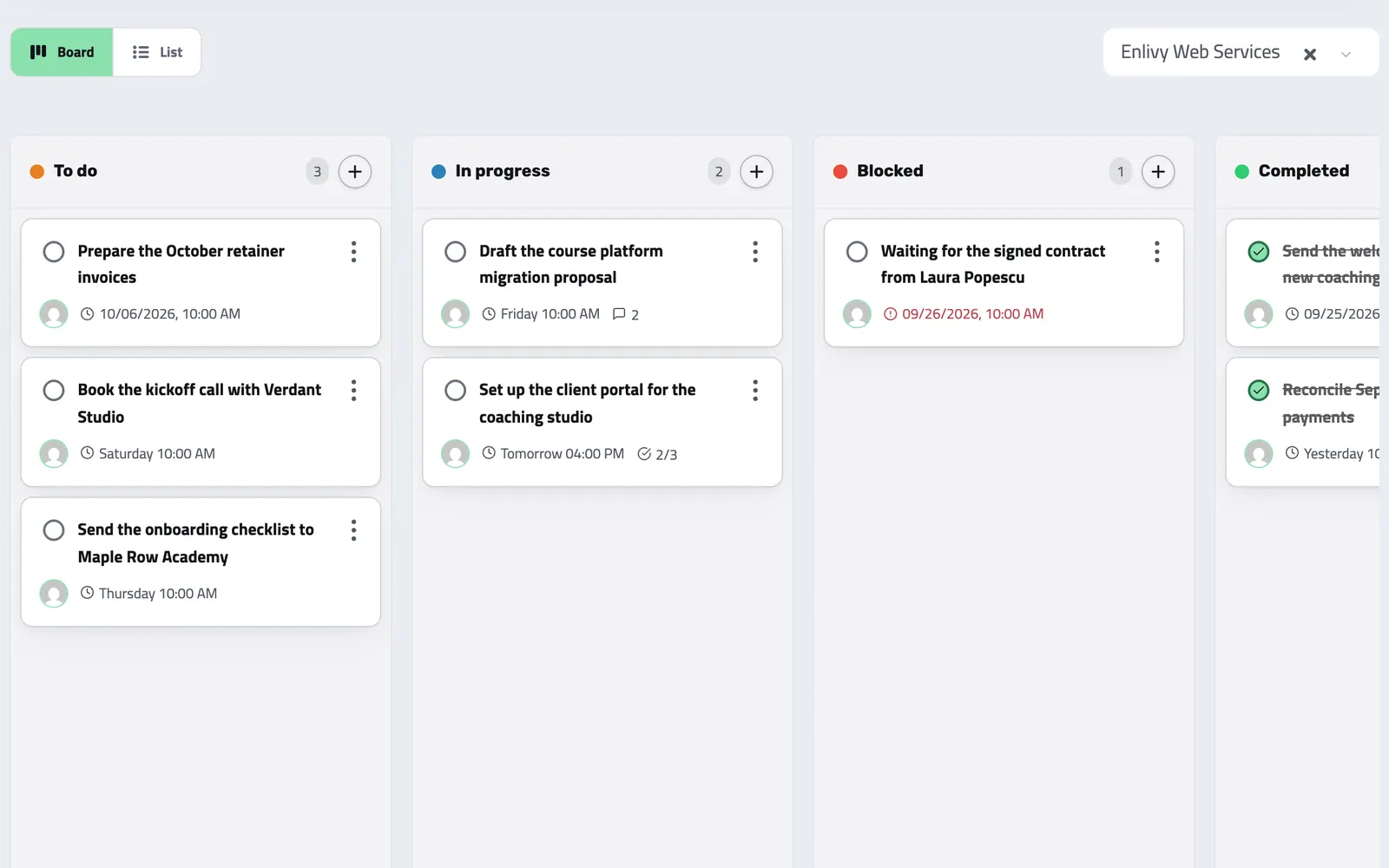
Delivery
Your team runs the work in tasks, beside the client and the invoices. Free on every plan.
See tasks
Emails go out from your own address once you connect your mailbox. Until then, your clients find everything in your client portal.
THE PROBLEM IT SOLVES
In separate tools, the deal is typed again at every step
A lead in a CRM, the proposal in a document, the signature in an e-signature app, the invoice in invoicing software. Each hand-off is a place to retype the price.
-
The price
In separate tools: Typed into the proposal, then the contract, then every invoice.
On one record: Typed once in the proposal, then reused by the contract and every invoice.
-
The contract
In separate tools: Signed in an e-signature app, apart from the deal and the invoice.
On one record: Drafted from your template and signed online, with who signed and when.
-
The payment
In separate tools: Someone compares the payment tool with the invoice list.
On one record: Card payments mark their invoice paid. You link each bank transfer to its invoice and confirm it.
-
The renewal
In separate tools: A reminder tells someone to copy last month's invoice.
On one record: Enlivy issues each renewal invoice on its date, with the Billing Schedules pack.
-
Your client
In separate tools: Searches old emails for the latest version of each document.
On one record: Your client finds all of it in your client portal: proposals, contracts and invoices.
WHAT IT COVERS
Every part works from the same record
Each part has its own page with its screens, its limits and what it costs.
-
Sales Pipeline
Keep each lead in a pipeline with your own stages, and send a proposal when the lead is ready.
Learn more -
Billing Packages
Put your services in packages with prices and billing cycles. Visitors pick one in a price calculator on your website, and clients can change it later if you allow it.
Learn more -
Proposals
Send a proposal your client accepts online, at the price shown. If the package includes a contract, Enlivy drafts it for your client to sign.
Learn more -
Contracts
Send a contract for signature, and your client signs it online. Amendments stay linked to the contract they change.
Learn more -
Invoices
Create and send invoices with your own numbering, in any currency, each with its EU e-invoice.
Learn more -
Billing Schedules
On each billing date, Enlivy issues the recurring invoice, emails it and charges the saved card through your own Stripe account.
Learn more -
Customer Portal
A client portal branded with your name, where clients accept proposals, sign contracts and pay invoices, without a password.
Learn more -
Network Exchanges
EU e-invoices (EN 16931) for any invoice, as Peppol BIS 3.0 or a national variant for some countries. Where Enlivy connects to the national system, it sends and receives them for you.
Learn more -
Bank Transactions
Classify each bank transaction and link it to the invoice or receipt it settles.
Learn more -
Tasks
Plan the work with tasks, subtasks and the people on them, free on every plan.
Learn more -
Helpdesk
Answer questions from your website chat, email and client portal in one shared inbox.
Learn more -
Reports
Collect updates from your team on report forms you design once, and let clients confirm the reports written for them.
Learn more
WHAT IT LEAVES OUT
Beside your accountant and your sales CRM, not instead of them
A commercial operations platform covers the client side of work you sell. It leaves the books, payroll and daily selling to the tools built for them.
What it replaces
- Proposals written in documents and quote templates
- The e-signature app for client contracts
- The invoicing app, including EU e-invoices
- The spreadsheet of who has paid and who renews
- The shared inbox for client email, with the Helpdesk pack
What it works with
- Your sales CRM, for calling, email sequences and forecasting
- Your own Stripe account, for card payments
- Your bank: import its statement files, or connect it with the Banking pack
- Zapier, Slack, webhooks and the API
What it leaves out
- The general ledger, financial statements and tax returns
- Payroll calculation. Enlivy keeps the payslips your accountant prepares.
- Stock, orders and shipping
Each month, you export the month’s documents for your accountant: invoices issued and received, receipts, payslips and bank transactions. See the data export
HOW IT DIFFERS
How is it different from a CRM, invoicing software or an ERP?
Each of those does one stretch of the deal well. A commercial operations platform carries the deal from the proposal to the last renewal.
-
A CRM
Tracks leads, calls and emails up to the win. A commercial operations platform adds the contract, the invoice, the payment and the renewal on the same record.
-
Invoicing software
Starts at the invoice. A commercial operations platform starts at the proposal and the signed contract, so the invoice carries the price your client accepted.
-
E-signature software
Gets a document signed. A commercial operations platform drafts the contract from the accepted proposal, then bills it as agreed.
-
An ERP
Runs stock, production and the general ledger. A commercial operations platform covers only the client side of a business that sells work.
NOT TO BE CONFUSED WITH
Similar names that mean something else
Three names share most of these words. Each one does a different job.
-
Commerce operations platform
The back office behind selling products: orders, stock and shipping. Enlivy sells work, not stock.
-
Business operations platform
Internal processes and task routing across a company. Enlivy has tasks, but it runs the deal with your client, not every internal process.
-
A build on spreadsheets or a low-code platform
A custom system you assemble and maintain yourself. Enlivy is a ready-made product for one process: proposal to payment and renewal of work you sell.
WHERE IT FITS
Start from how you sell
Each page follows one way of selling and shows what your client does, which features you use and what they cost.
- You bill clients every month Clients pick a package in your website's price calculator and pay online. With the Billing Schedules pack, each month's invoice goes out on its billing date.The packs it needs start at €9.99/month, excluding VAT. See how monthly billing works
- You run an agency or studio Send a proposal with a deposit and installments. Your client accepts and signs online, and Enlivy invoices each installment.The packs it needs start at €9.99/month, excluding VAT. See how it works for agencies
- You sell courses, programs or coaching Your client accepts the proposal, signs the contract and pays for your program in installments, in a portal with your name.The packs it needs start at €9.99/month, excluding VAT. See how it works for course authors
- You run a sales team Each sales process gets its own pipeline. The contract and the invoice keep the prices your client accepted in the proposal.Free to start. See how it works for sales teams
- You mainly need invoicing Number invoices your way and download each as an EU e-invoice (EN 16931, Peppol BIS 3.0). Add proposals and renewals when you sell more. See how invoicing works
- You are not sure yet Create a free account and try it with one client. Each month includes 5 invoices, 3 proposals and 1 contract. See what's free
COMMON QUESTIONS
Commercial operations platform, answered
What is a commercial operations platform?
A commercial operations platform runs the commercial side of work you sell on one record: the proposal, the contract, the invoice, the payment and the renewal. The price your client accepts carries through every step, so nobody retypes the deal. Enlivy is one, with a client portal, EU e-invoices and tasks around the record.
How is a commercial operations platform different from a CRM?
A CRM tracks leads, calls and emails up to the win. A commercial operations platform starts the record at the proposal and carries it past the win: the signed contract, the invoice, the payment and the renewal. Enlivy has a pipeline for leads, but not calling, email sequences or forecasting, so many businesses keep a sales CRM for daily selling and use Enlivy from the proposal on.
How is it different from an ERP?
An ERP runs stock, production and the general ledger across a company. A commercial operations platform covers only the client side of a business that sells work, from proposal to renewal. Enlivy keeps no ledger and no inventory, so your accountant still keeps the books.
How is it different from invoicing software?
Invoicing software starts at the invoice. A commercial operations platform starts earlier, at the proposal and the signed contract, so the invoice uses the price the client accepted. Enlivy also issues recurring invoices on their dates with the Billing Schedules pack, and every invoice downloads as an EU e-invoice.
Who is a commercial operations platform for?
It is for businesses that sell work over several conversations: a proposal, a contract, an invoice, and often the same client again next month. Enlivy suits services, projects, programs and subscriptions, not goods from stock. The solutions pages show the setup for monthly billing, agencies, course authors and sales teams.
What does it cost to start?
Nothing. The free plan needs no card and has no time limit: each month it includes 5 invoices, 3 proposals and 1 contract, and you can keep up to 5 leads at a time. Tasks, users and the client portal have no limit. When a free allowance runs out, that feature becomes read-only until the 1st of the next month, and the matching pack lifts the limit at once. See pricing for the packs.