

User Roles
Control What Every User Can Access and Do
Give every user the right access with role-based permissions. Decide who can invoice, manage payroll records, or reach the back office, and adapt roles as your team grows.
Set up your team's rolesFree account, no card needed.
THE USER ROLES ADVANTAGE
Control Access and Permissions by Role
The right access for everyone you work with.
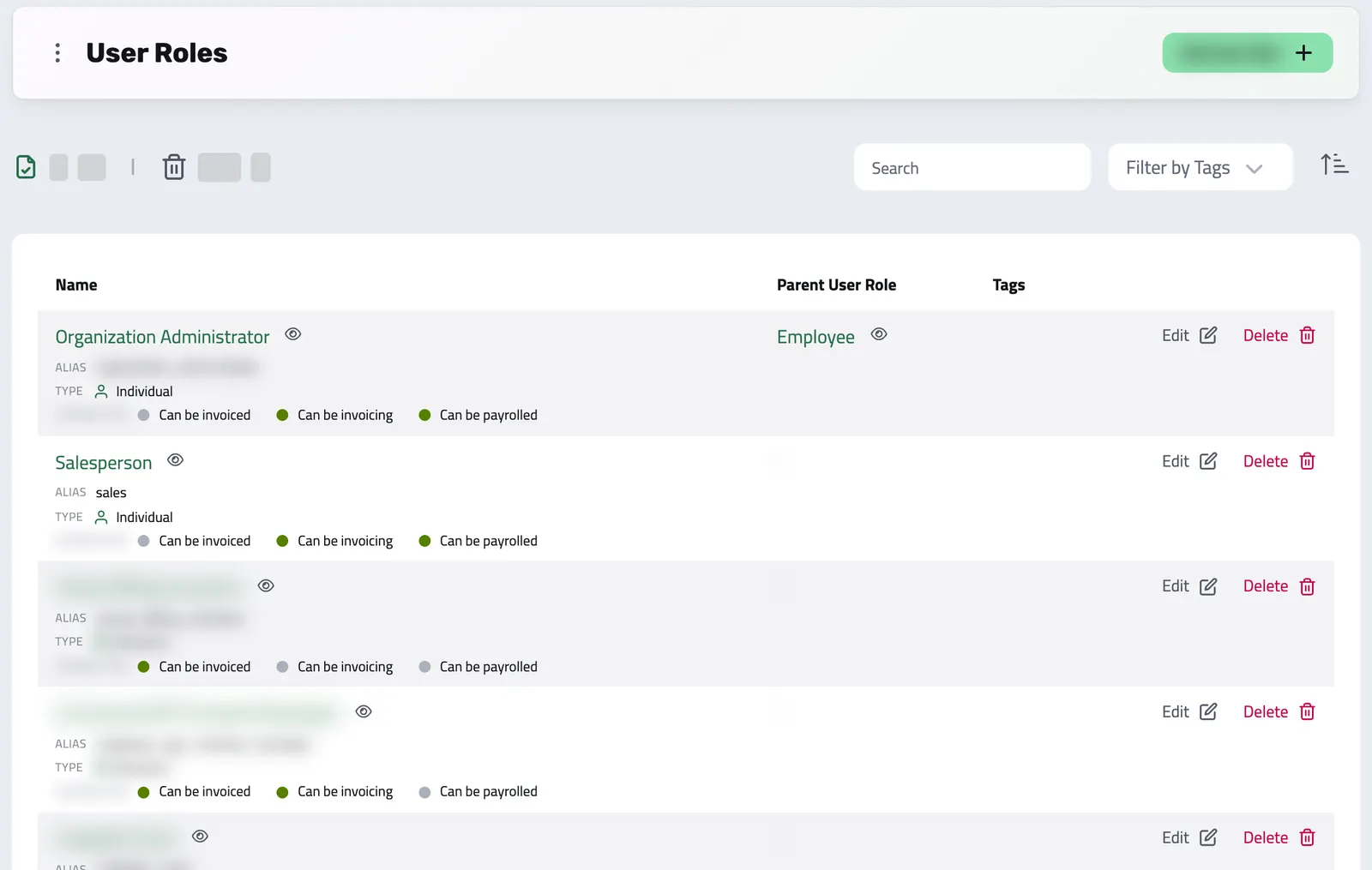
User Roles in Enlivy define how individuals and companies interact within your organization. They enable you to specify what each user can access and perform, whether they are employees, clients, or suppliers.
With users organized by role, everyday work gets simpler, access is safer, and it stays clear who does what as your business grows.
-
Why User Roles Matter
Give each user the right access and permissions. Decide who can create invoices, get paid, use the back office, or be part of payroll, so your business runs smoothly and securely.
-
Manage Permissions with Confidence
Decide exactly what each role can touch: who issues invoices, who manages payroll records, who sees the back office, who only views their own records. Permissions are set per role, so access stays consistent as people come and go.
-
Tailor Roles to Your Business
Create and customize roles to fit your company’s structure, like Assistant Manager, Accountant, or Supplier. Roles adapt to your workflows and support smooth growth as your team expands.
GRANULAR BY DESIGN
Every permission, exactly where you want it
A role decides two things: how someone takes part in your business and, if they sign in, exactly what they can do in the back office.
-
Can be invoicing
Can issue invoices on your company's behalf.
-
Can be invoiced
Can be billed by your company.
-
Can be payrolled
Can be included in payroll records.
BACK-OFFICE PERMISSIONS
For roles that use the back office, decide exactly what they can see and do, area by area, at up to three levels.
Organization Permissions
- View Organization
- Manage Organization
- Billing & Membership
- Integrations & Services
- Manage Tags
| Area | View | Manage | Delete |
|---|---|---|---|
| Bank Accounts | available | available | available |
| Bank Transactions | available | available | available |
| Billing Packages | available | available | available |
| Billing Schedules | available | available | available |
| Client Portal Sessions | available | available | not applicable |
| Contract Prefixes | available | available | available |
| Contract Signatures | available | available | available |
| Contract Statuses | available | available | available |
| Contracts | available | available | available |
| Cost Types | available | available | available |
| Employments | available | available | available |
| External Receipts | available | available | available |
| Files | available | available | available |
| Guidelines | available | available | available |
| Invoice Prefixes | available | available | available |
| Invoices | available | available | available |
| Notifications | available | available | available |
| Payslips | available | available | available |
| Playbooks | available | available | available |
| Products | available | available | available |
| Projects | available | available | available |
| Proposals | available | available | available |
| Prospect Pipelines | not applicable | available | available |
| Prospects | available | available | available |
| Receipt Prefixes | available | available | available |
| Report Types | available | available | available |
| Reports | available | available | available |
| Resource Bundles | available | available | available |
| Reusable Contents | available | available | available |
| Tasks | available | available | available |
| Taxation | available | available | available |
| User Roles | available | available | available |
| Users | available | available | available |
| Working time | available | available | not applicable |
| Working-time terms | available | available | available |
Some permissions only take effect once your plan includes the pack behind them.
Where it fits
Part of these setups
Works together with
- Users Easily customize roles and permissions in Enlivy for clients, partners, accountants, and administrators, ensuring secure and efficient access.
- Data Export Export your invoices, receipts, payslips, contracts, and transactions in the format and folder structure your accountant expects, for any date range. Built in, at no extra cost, on every plan.
- MCP Connect Enlivy to Claude, ChatGPT, Cursor, or any AI assistant through MCP. Ask about your invoices, contracts, and pipeline, and get real work done, safely scoped to exactly what your own account can already do.