Sales Pipeline
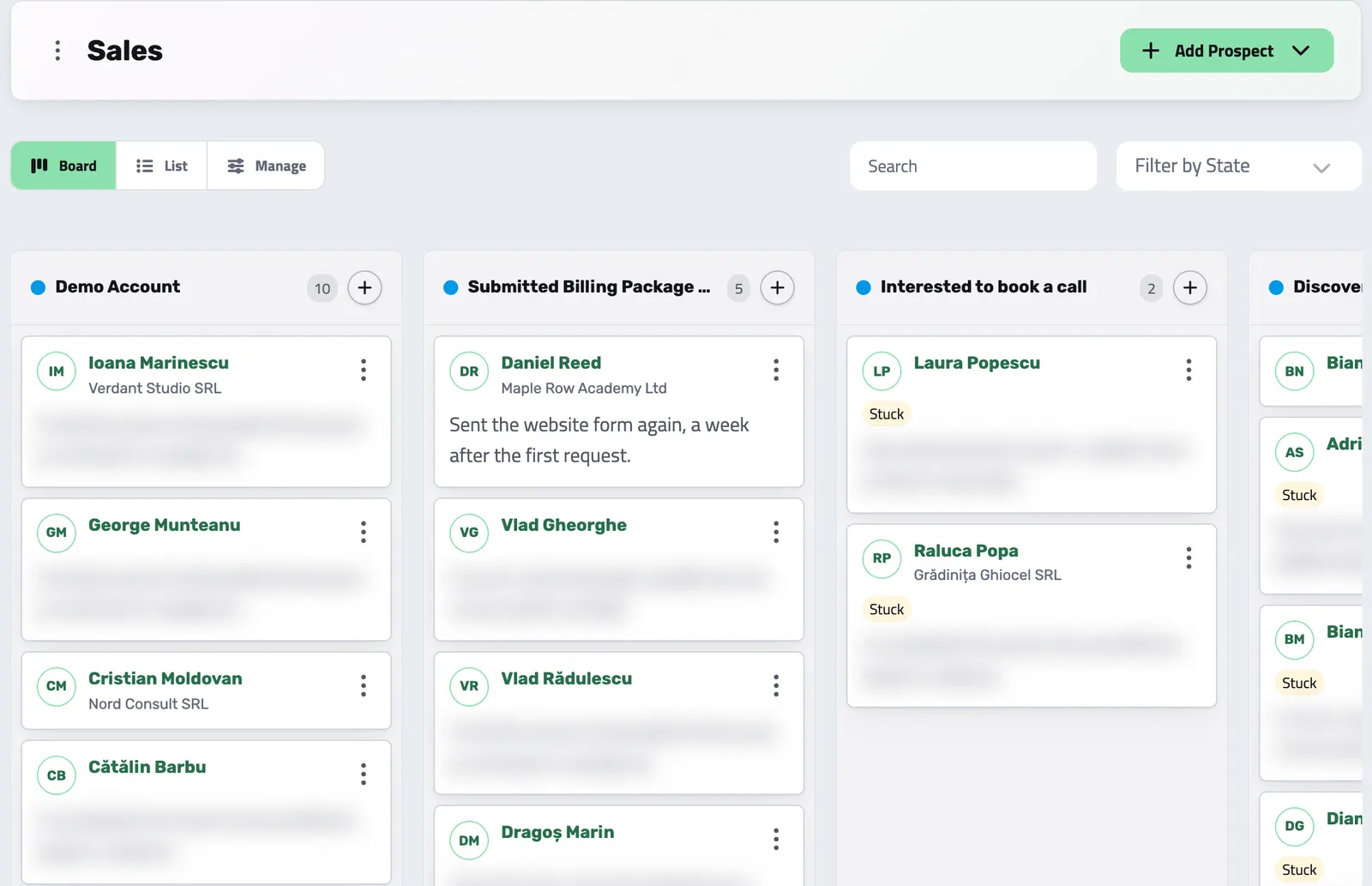
See which leads are moving, read the last conversation before you follow up, and send the proposal from the lead's page.
All features
Start free with leads, proposals, contracts, invoices and team tasks. Add a pack when you need more, such as recurring invoices or Helpdesk.
From the first request on your website to an accepted proposal and a signed contract.
See which leads are moving, read the last conversation before you follow up, and send the proposal from the lead's page.
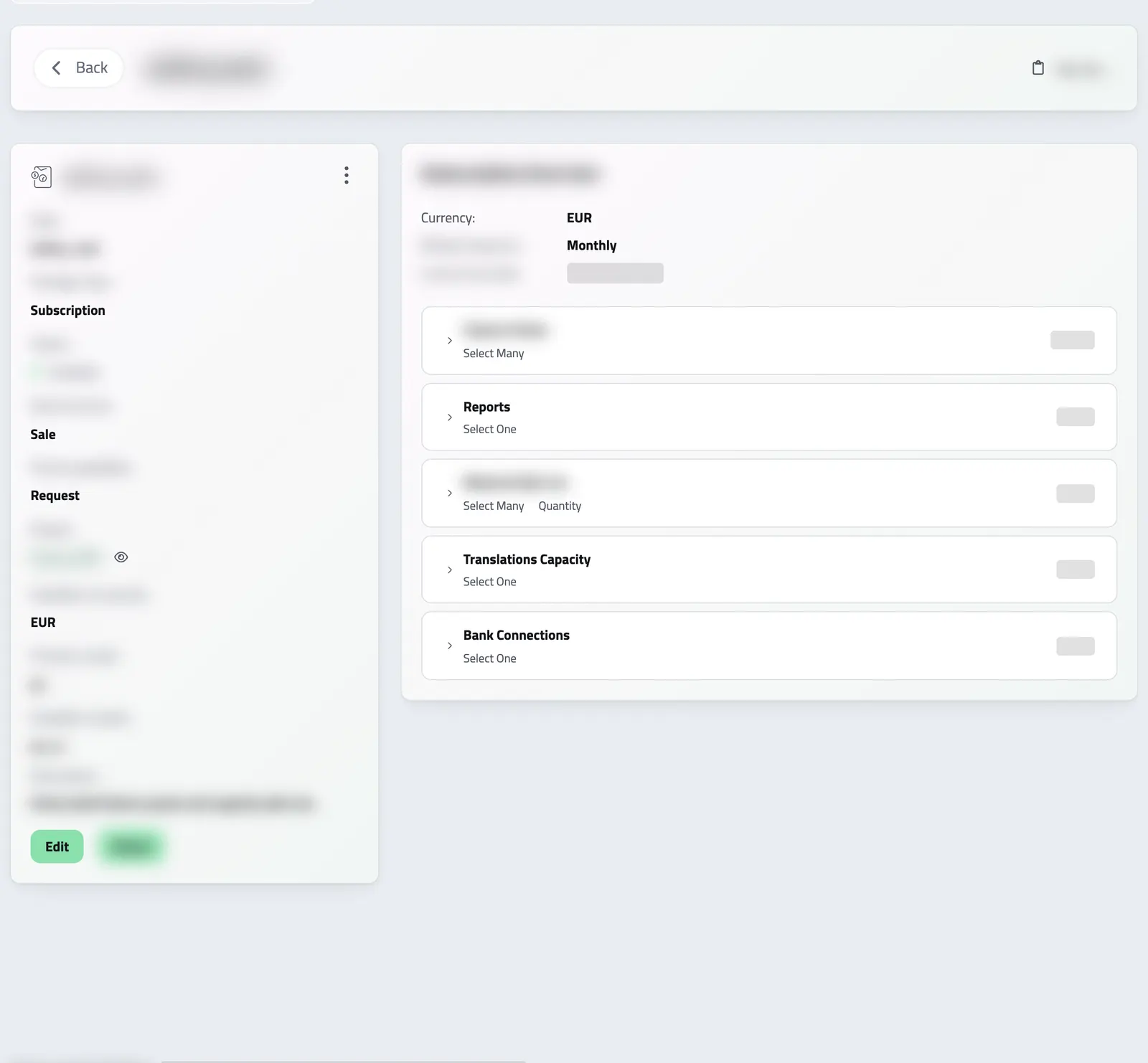
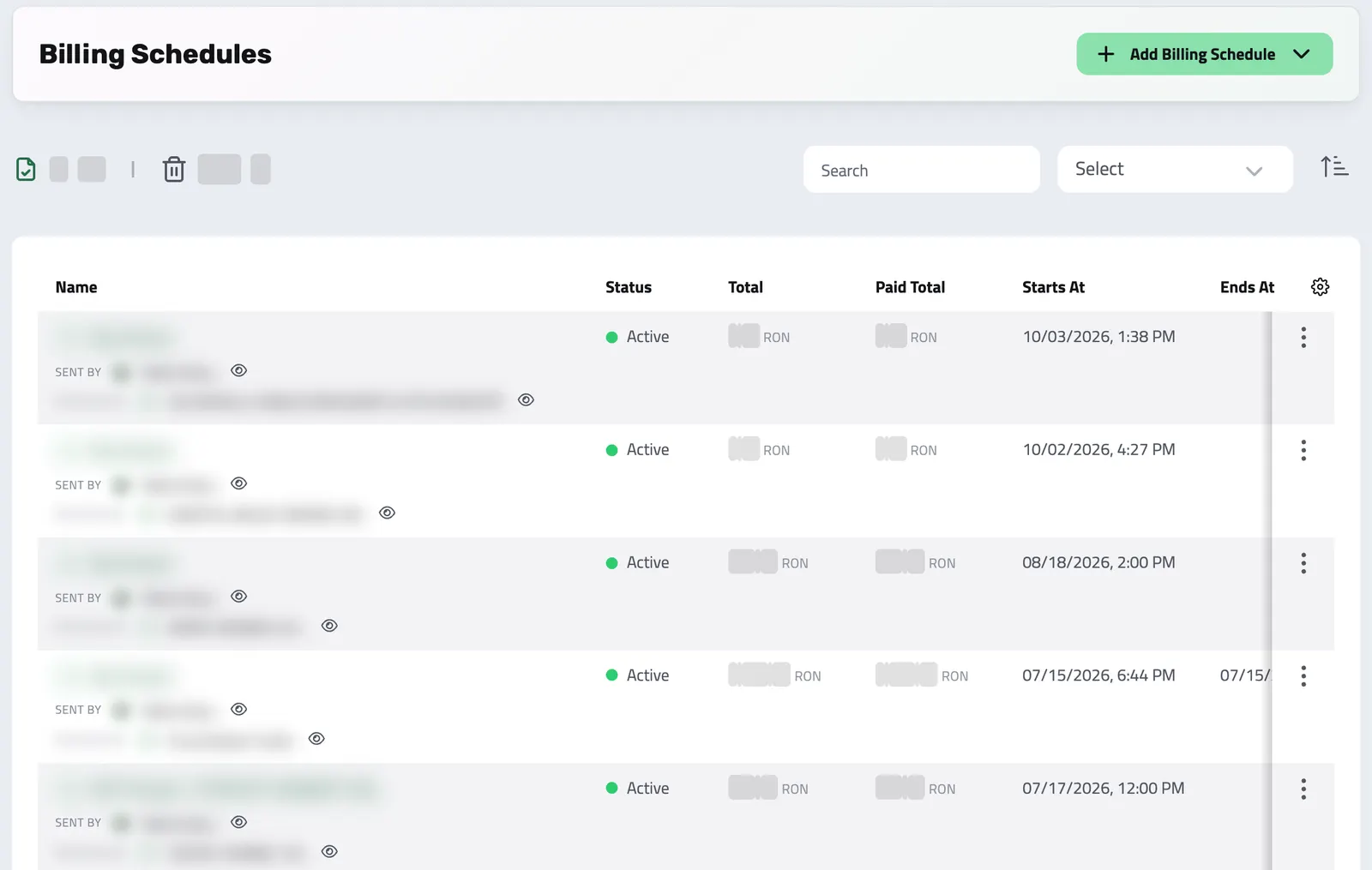
Set up what you sell once, with its prices and billing cycles. Your clients order it from a proposal or your website. With the Billing Schedules pack, Enlivy invoices each cycle and charges the saved card.
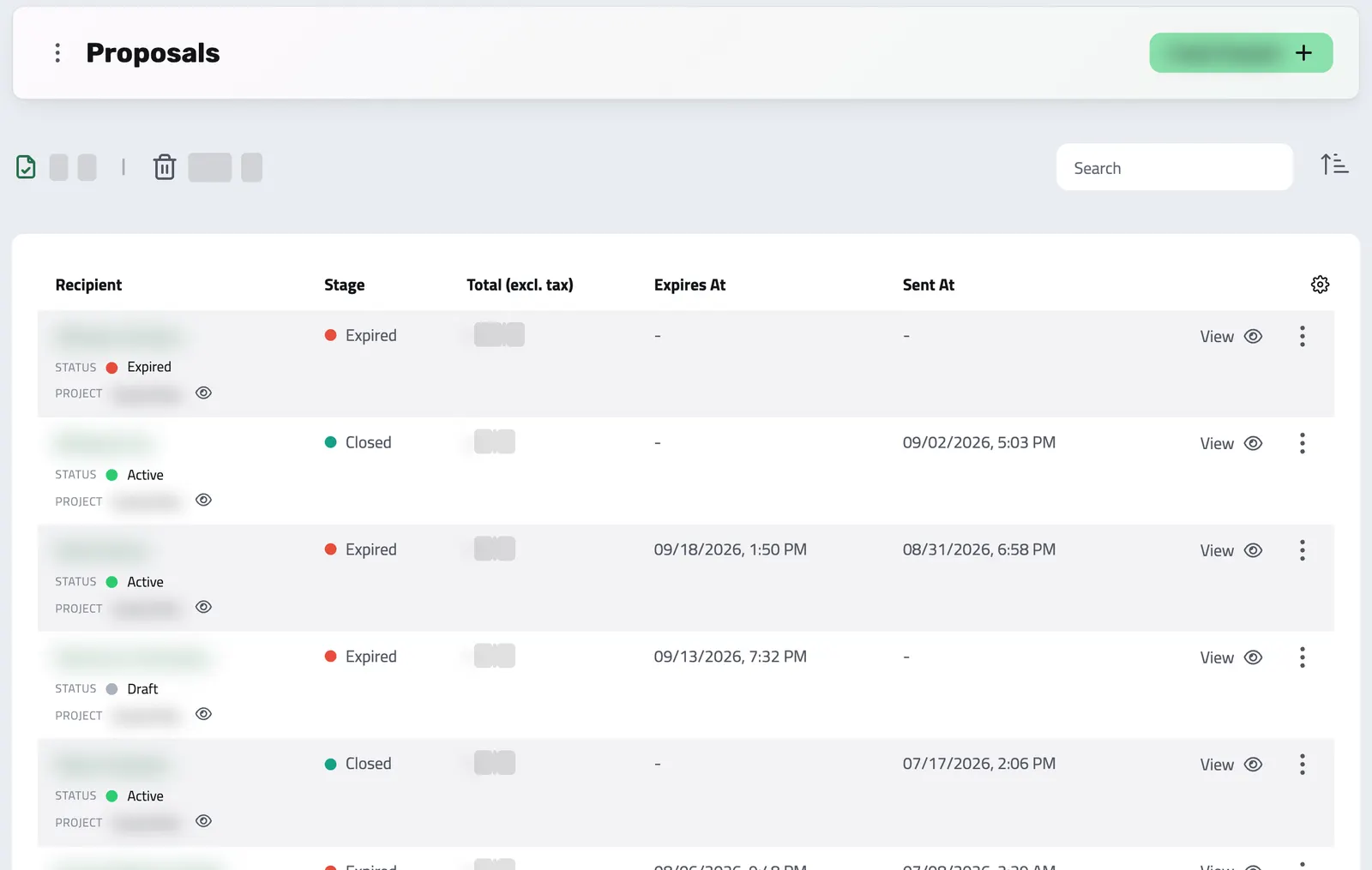
Put the work, the price and the payment terms in one proposal. Your client accepts it from the email, and the contract and first invoice use the same price.
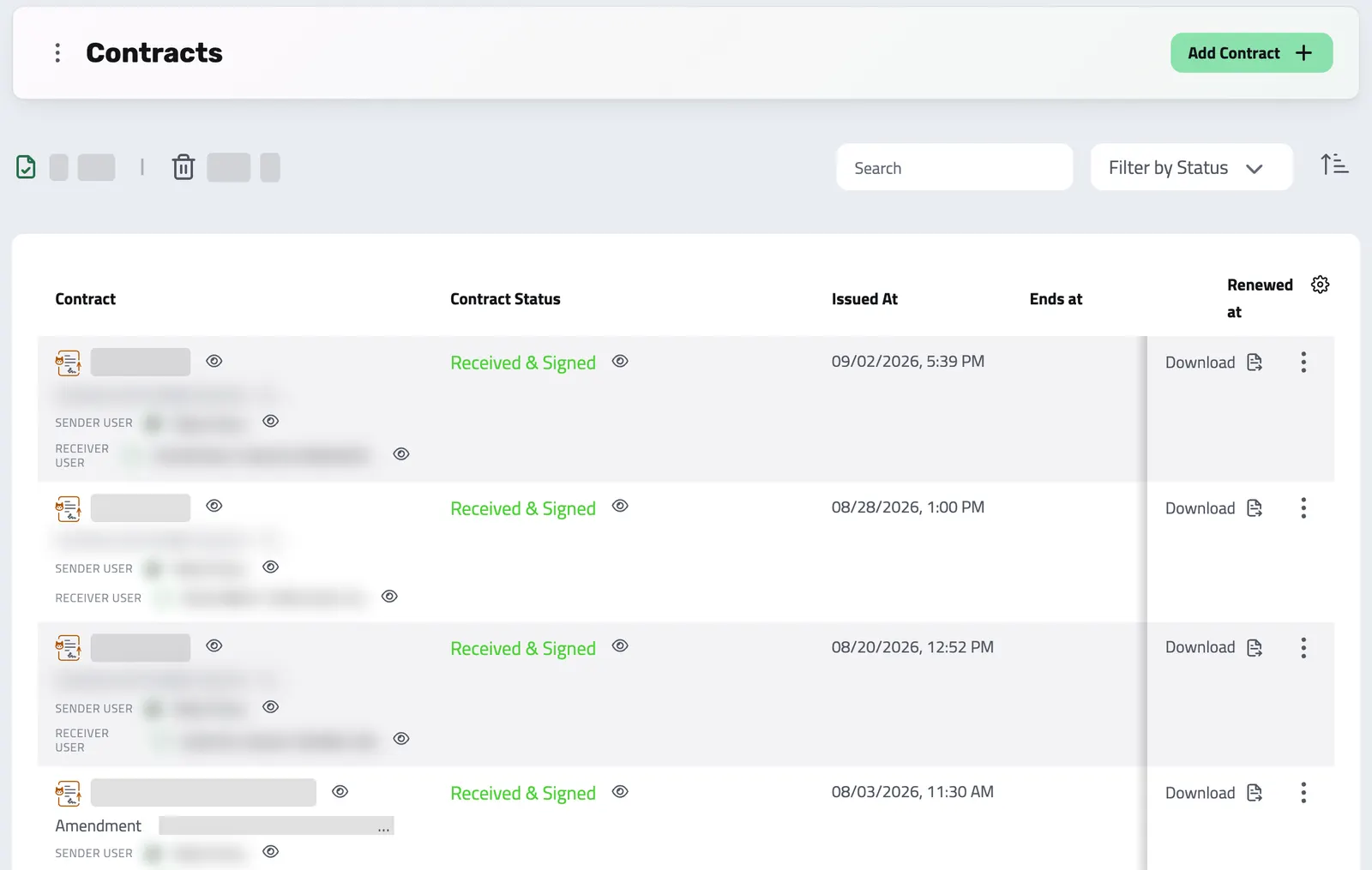
Write a contract, or let Enlivy draft it from your package's template when a client accepts your proposal. You send it, and your client signs online with an optional email or SMS code.
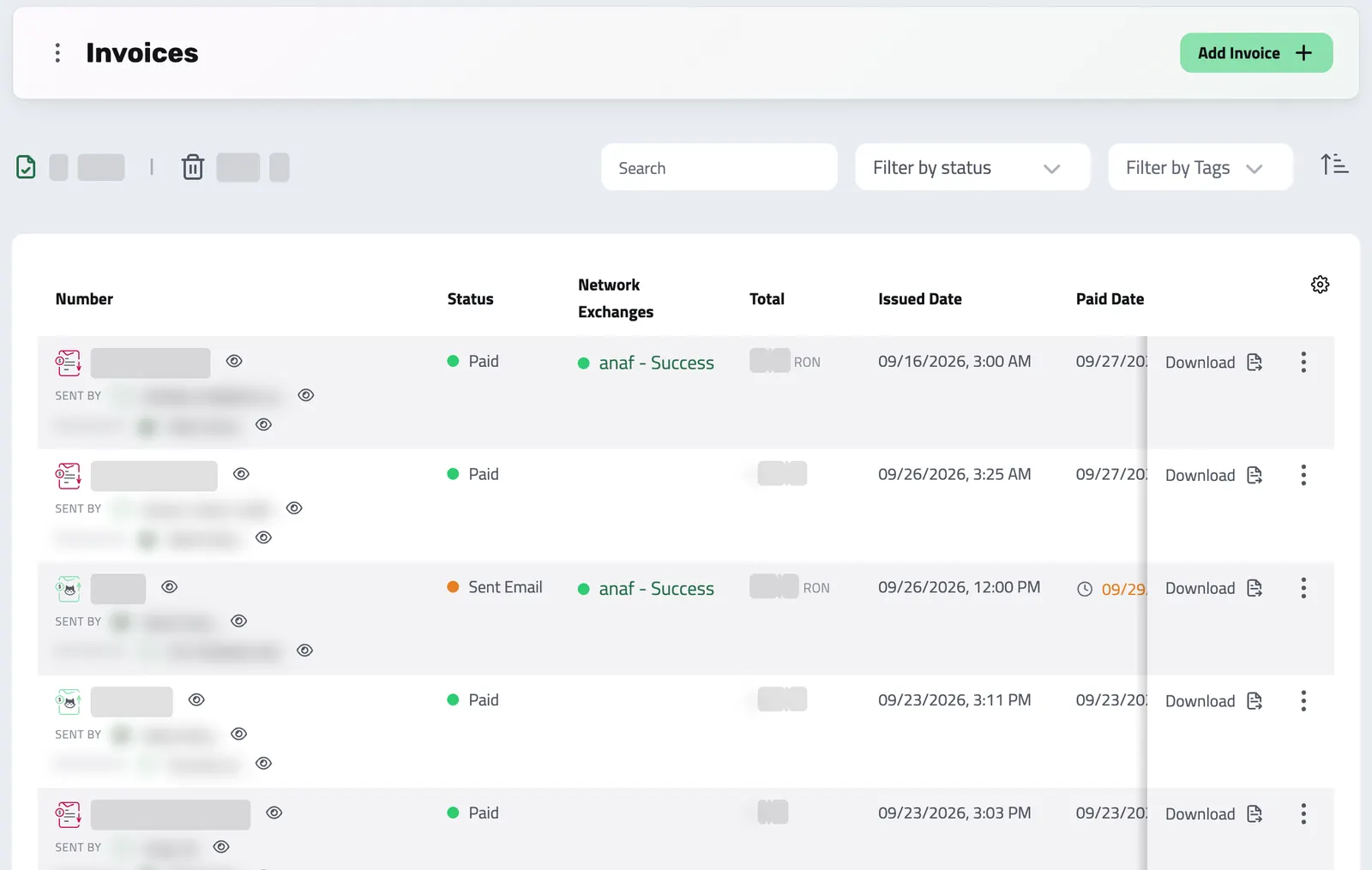
One-off and recurring invoices, EU e-invoices, card payments through your own Stripe, and your bank transactions.
Issue an invoice and email it to your client. A card payment goes to your own Stripe account and the invoice is marked paid. A bank transfer you mark paid yourself.
Drop a supplier's PDF on your dashboard. Enlivy reads it and opens the invoice filled in, with the supplier, the tax and the payment it found. You check it and save.
Your client pays by card through your own Stripe account, and Enlivy marks the invoice paid. Payment links and reminders follow up on what is still due.
Each cycle, Enlivy issues the invoice at the agreed price, emails it to your client and charges the saved card. You see what is paid and what is still due.
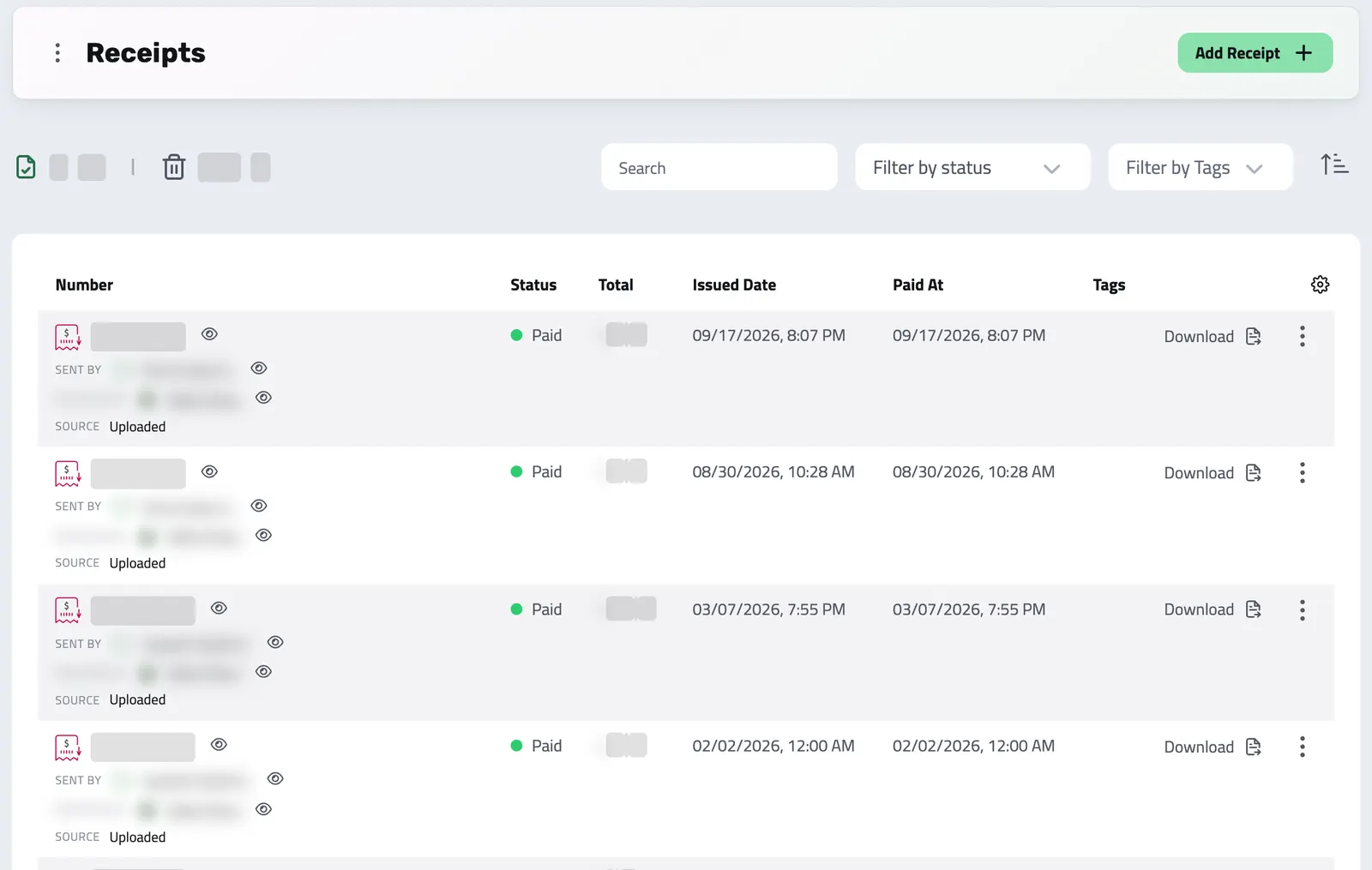
Record money in and money out, keep the payment file with each receipt, and let Enlivy issue the receipt when you mark an invoice paid with one of the payment methods you set for automatic receipts.
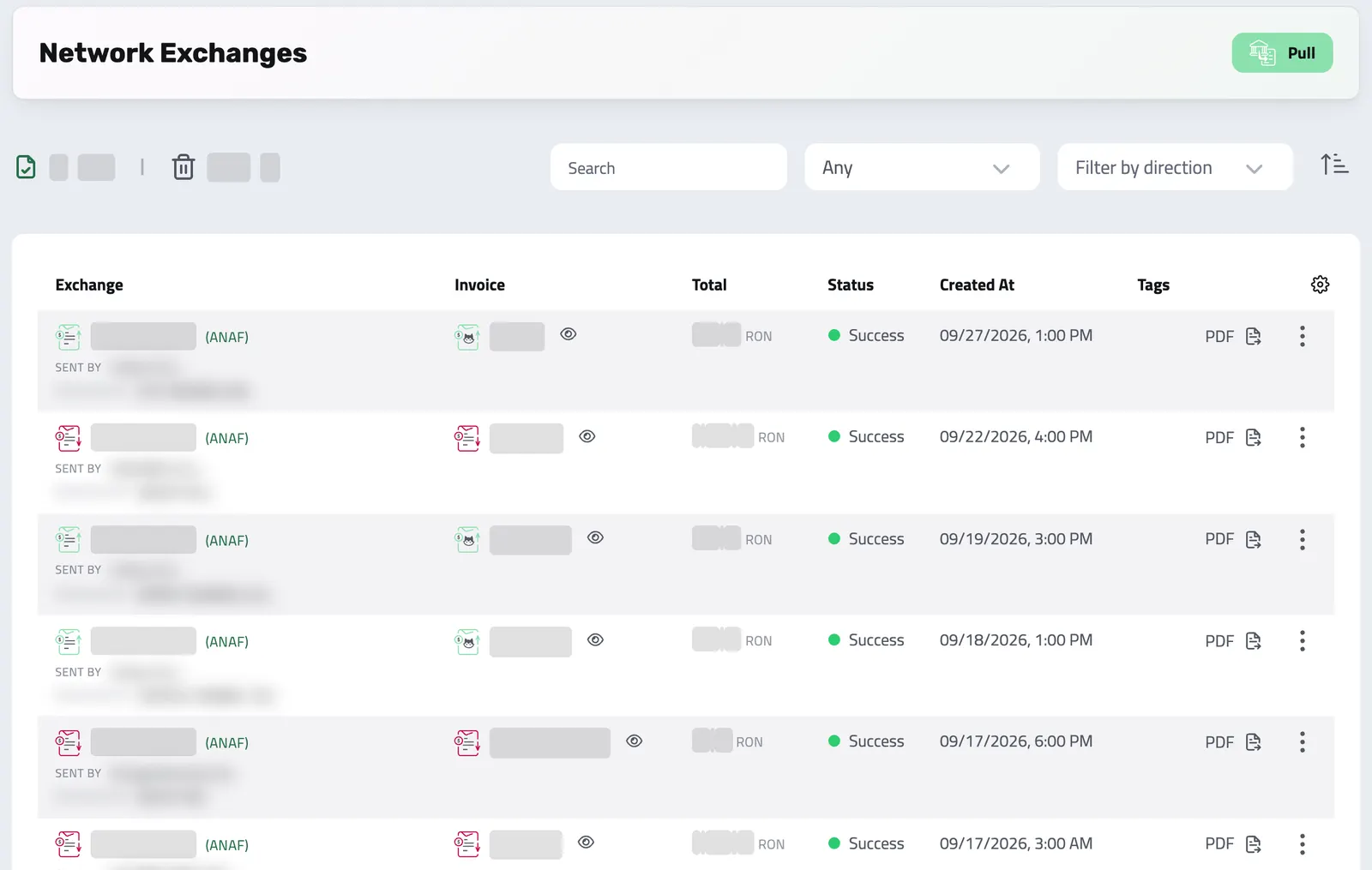
Network Exchanges turns each invoice you issue into an e-invoice in the EU standard (EN 16931), ready to download. Where Enlivy is connected to a national e-invoicing system, today Romania's, it also sends and receives them for you.
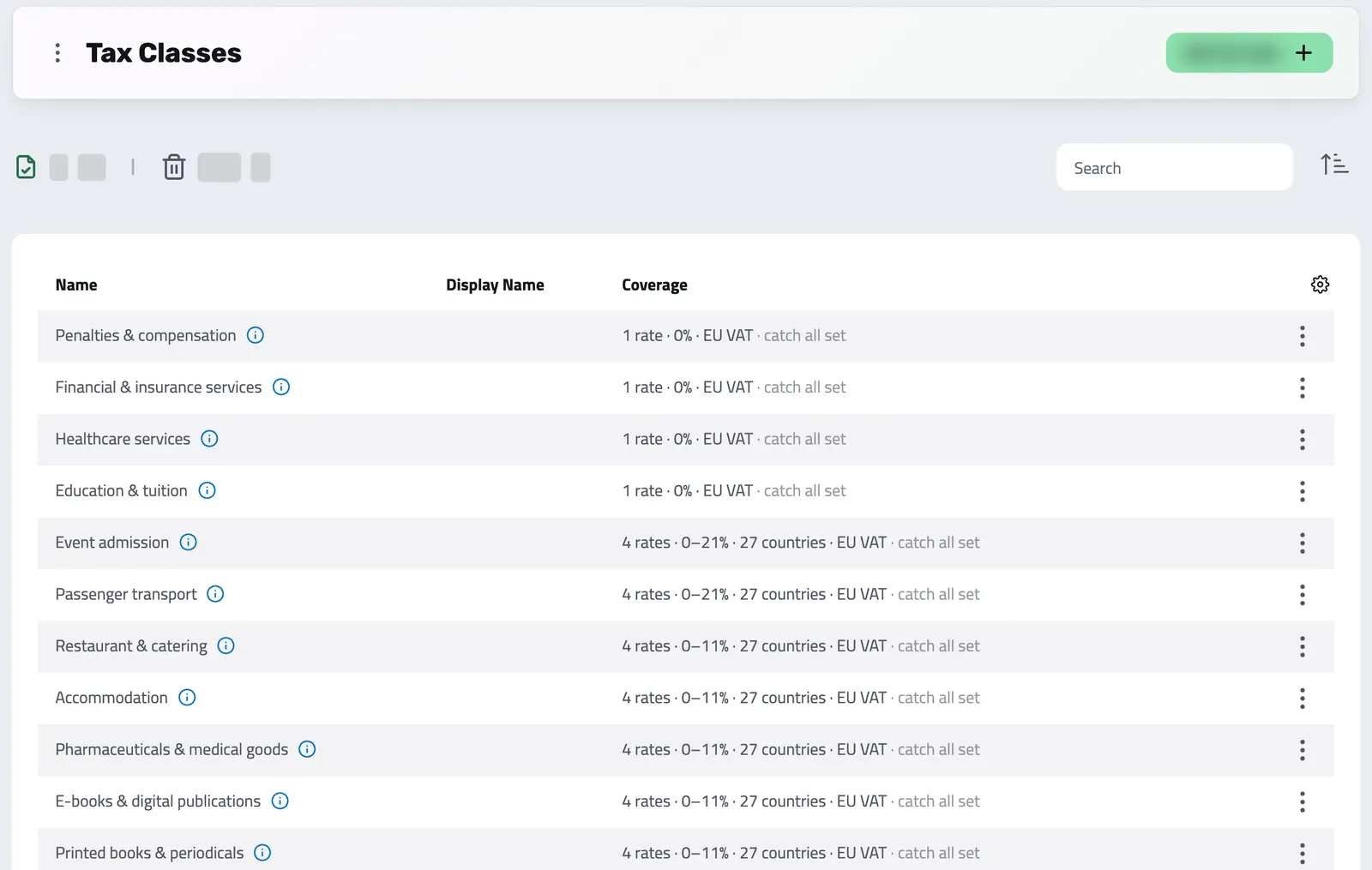
Give a product or invoice line a tax class, and Enlivy applies the rate that fits the customer's status and location. For companies based in 32 European countries, Enlivy keeps ready-made classes up to date.
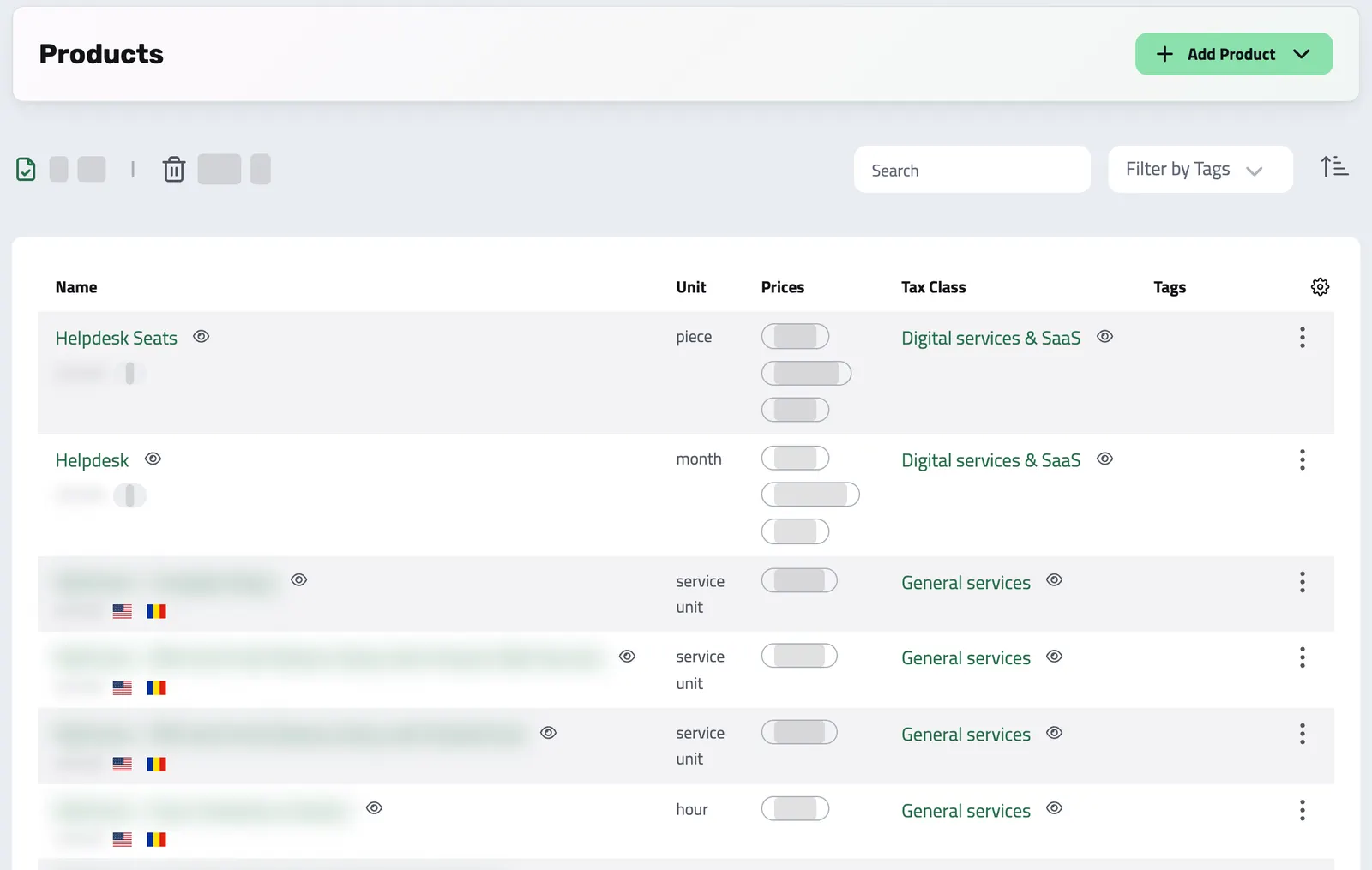
Build a reusable catalog of everything you sell, services or goods, with pricing, units, tax settings, and descriptions set once. Every product is ready to add to a proposal or invoice.
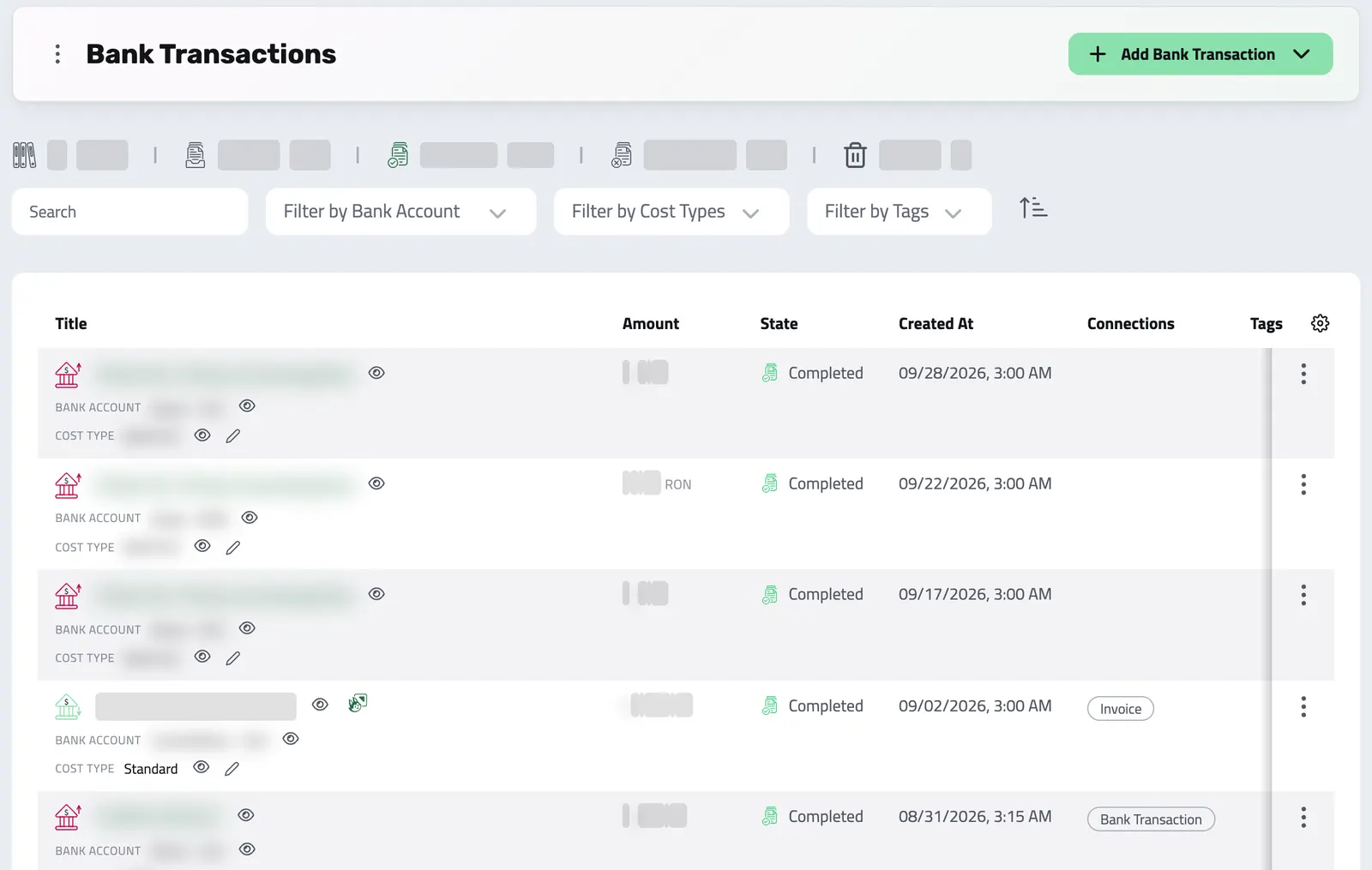
Bring every transaction into Enlivy, synced from your bank, imported from a file or entered by hand, and link each one to the invoice, receipt or payslip it belongs to.
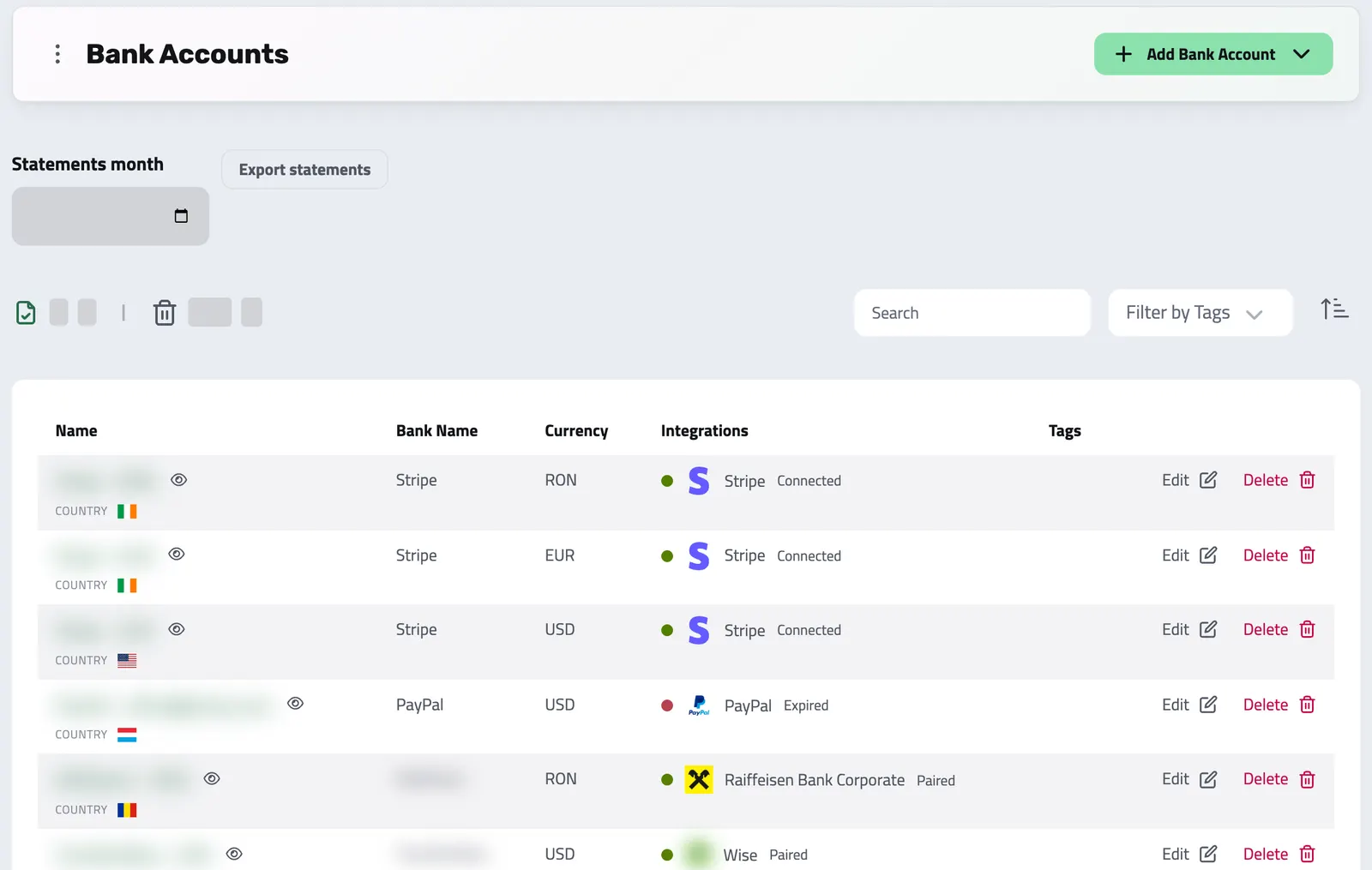
Connect your business bank accounts with the Banking pack and see each account's balance and transactions in Enlivy. New transactions come in several times a day, ready to link to the invoices and receipts they settle.
A portal with your name where clients accept, sign and pay, and one inbox for their questions.
Your clients accept the proposal and sign the contract from the links in your emails, and pay an invoice from the payment link you send. In a portal with your logo, they find their invoices, contracts and subscriptions, and sign in with an email code instead of a password.
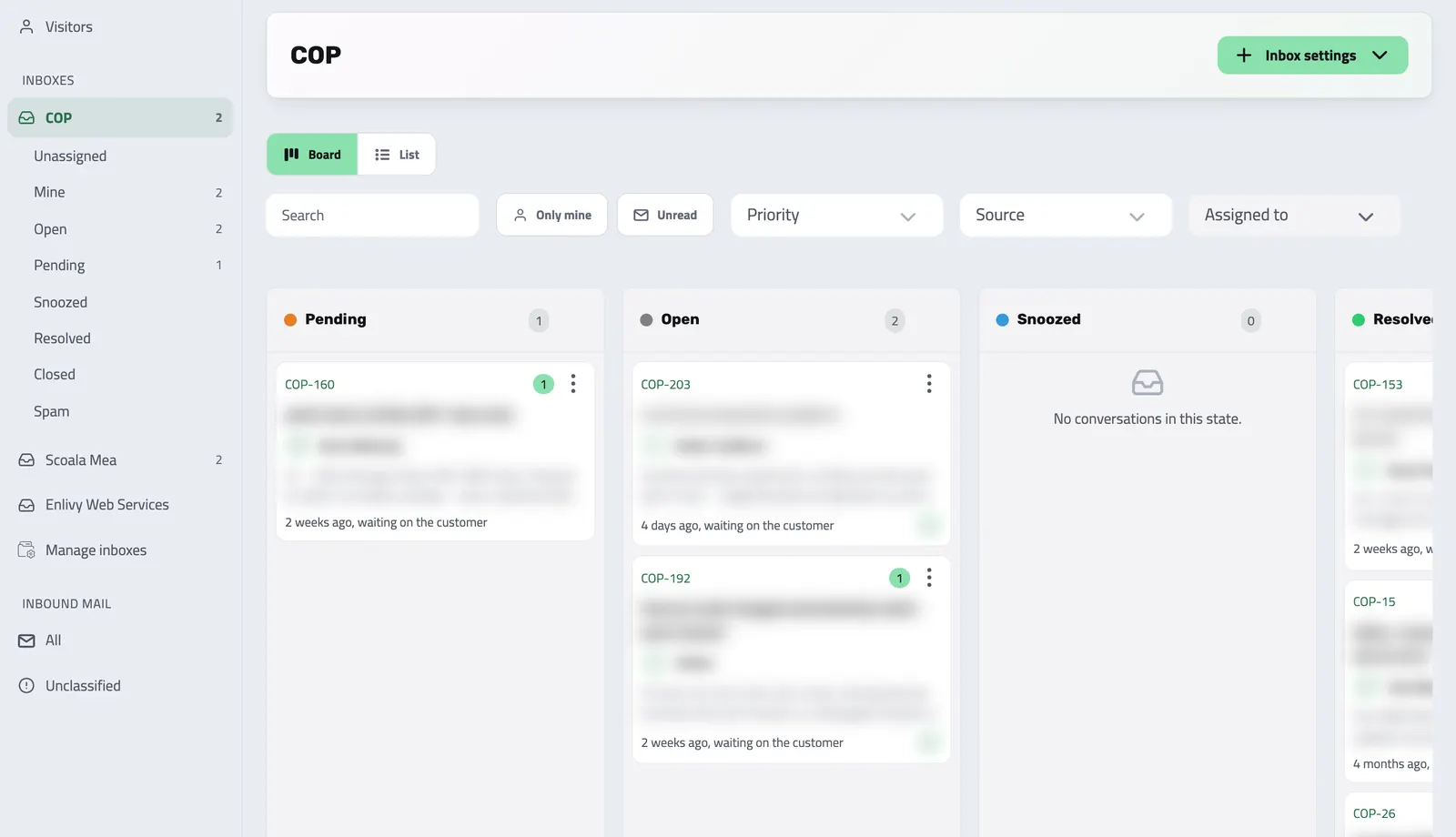
Website chat, client portal messages and email from your connected mailbox arrive in shared inboxes. Your team assigns and answers them, and reviews email from unknown senders.
Tasks, procedures, reports and access for your team, plus employment records and payslips.
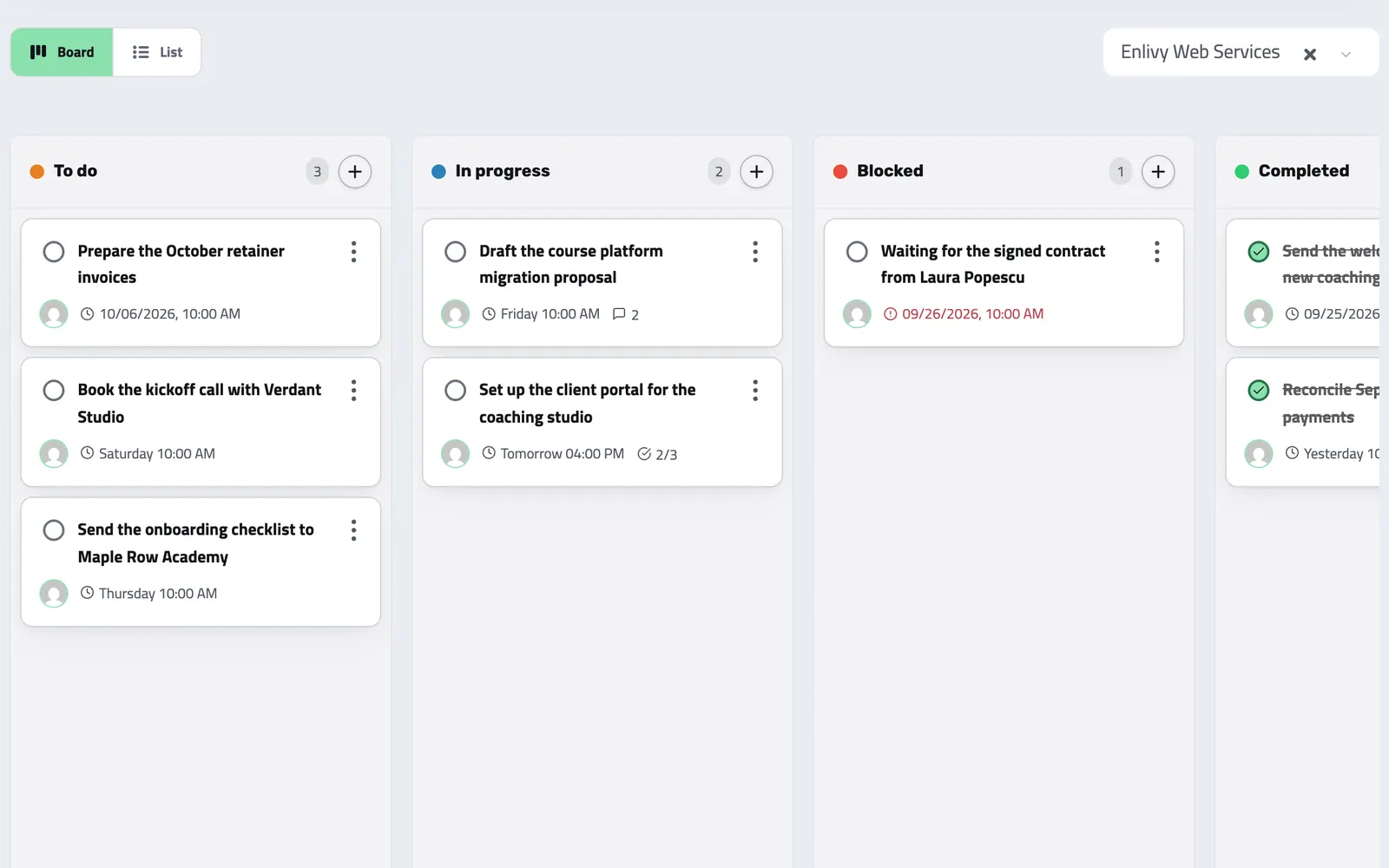
Keep your team's work beside the invoices, leads and projects it concerns. Tasks are included for every organization at no extra charge, with no limit on the number of tasks.
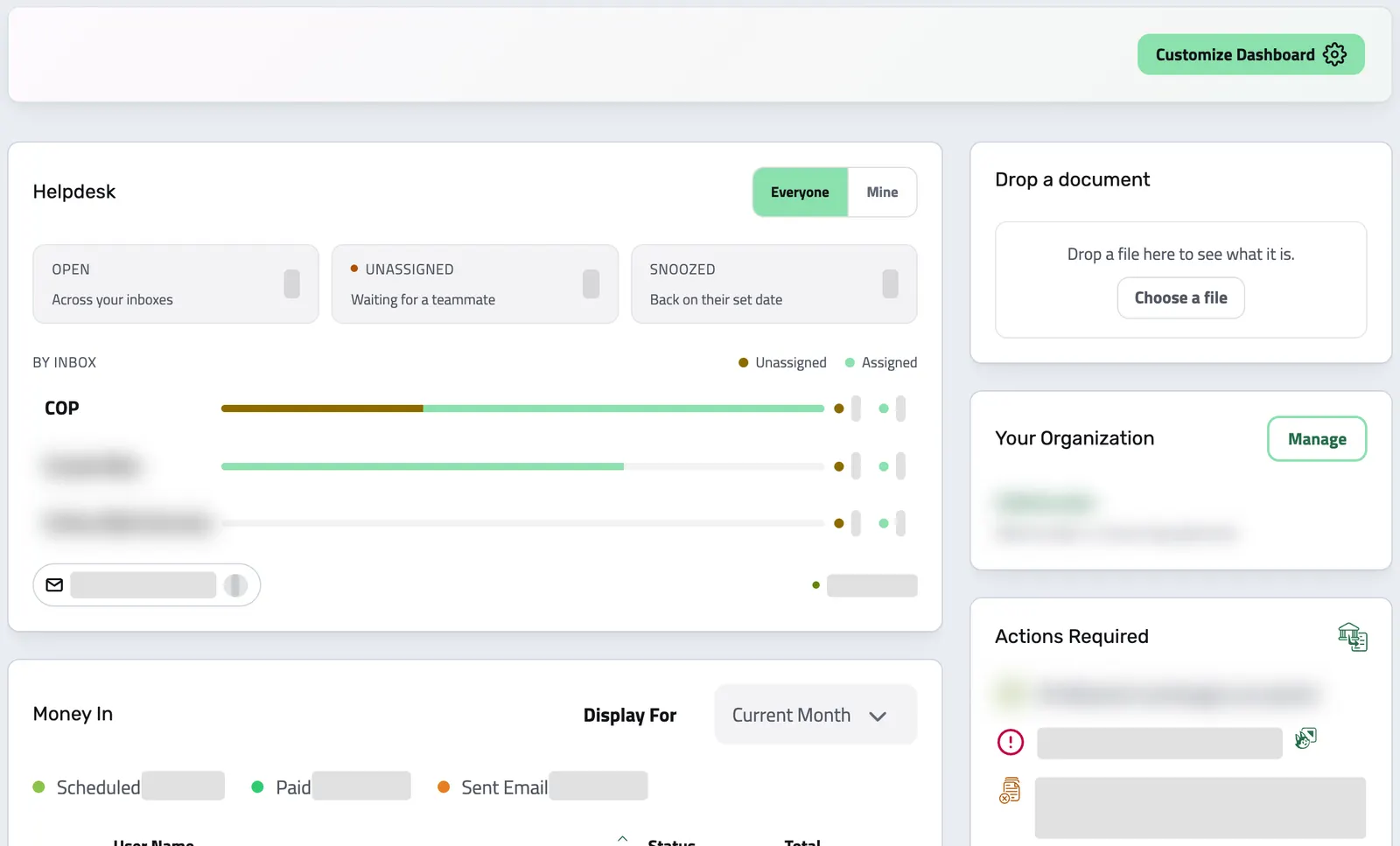
Start the day with what is waiting on you, such as overdue invoices or bank transactions to classify, and open the list behind each one. Arrange the widgets for yourself, or for the whole team if you manage the organization.
Drop a supplier invoice or a receipt. With your own AI key, Enlivy fills in the form for you to check and save.
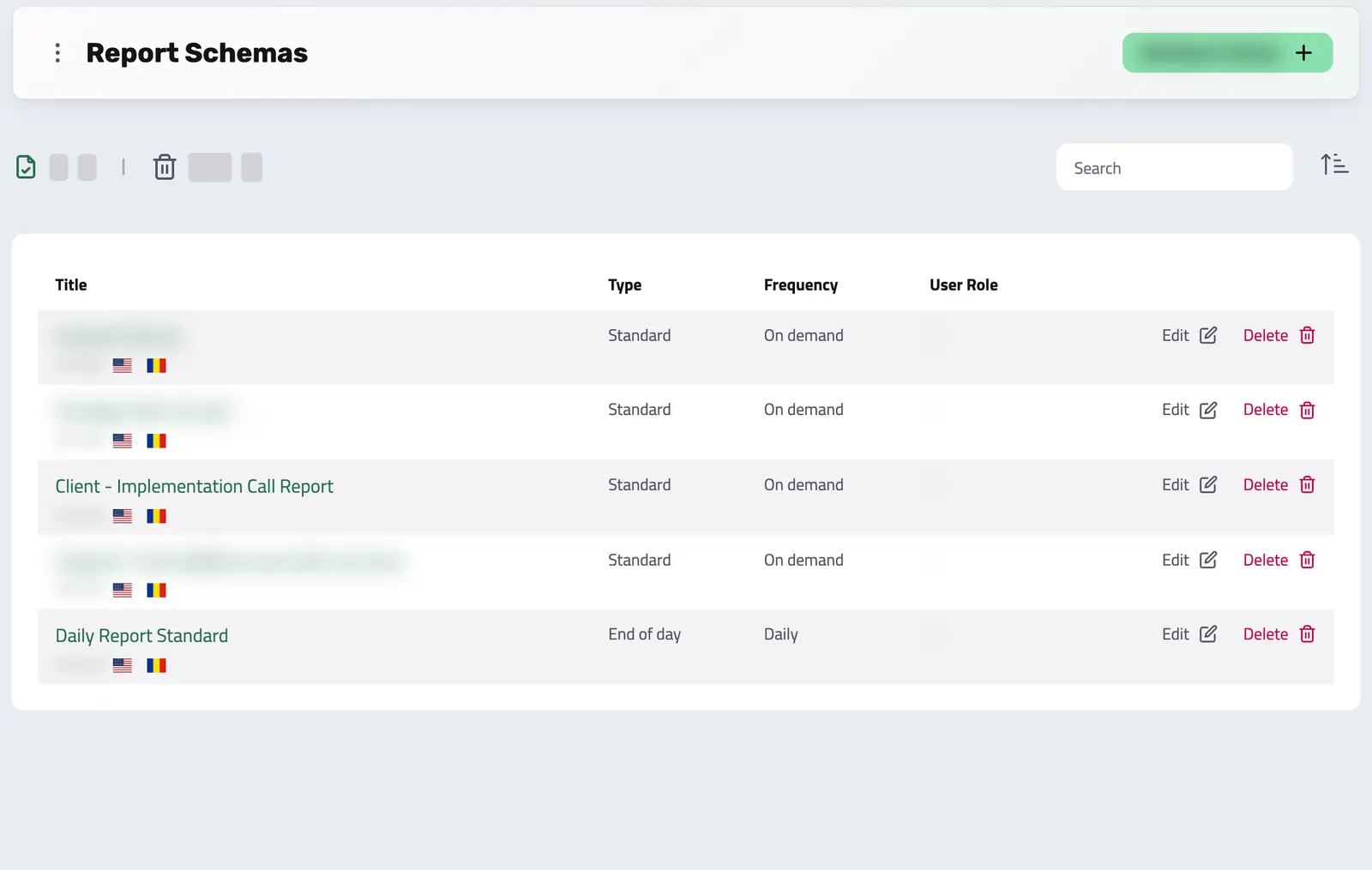
Replace chat and email updates with reports your team fills in. Set the questions and how often in a Report Schema, and your clients confirm the reports written for them in your client portal.
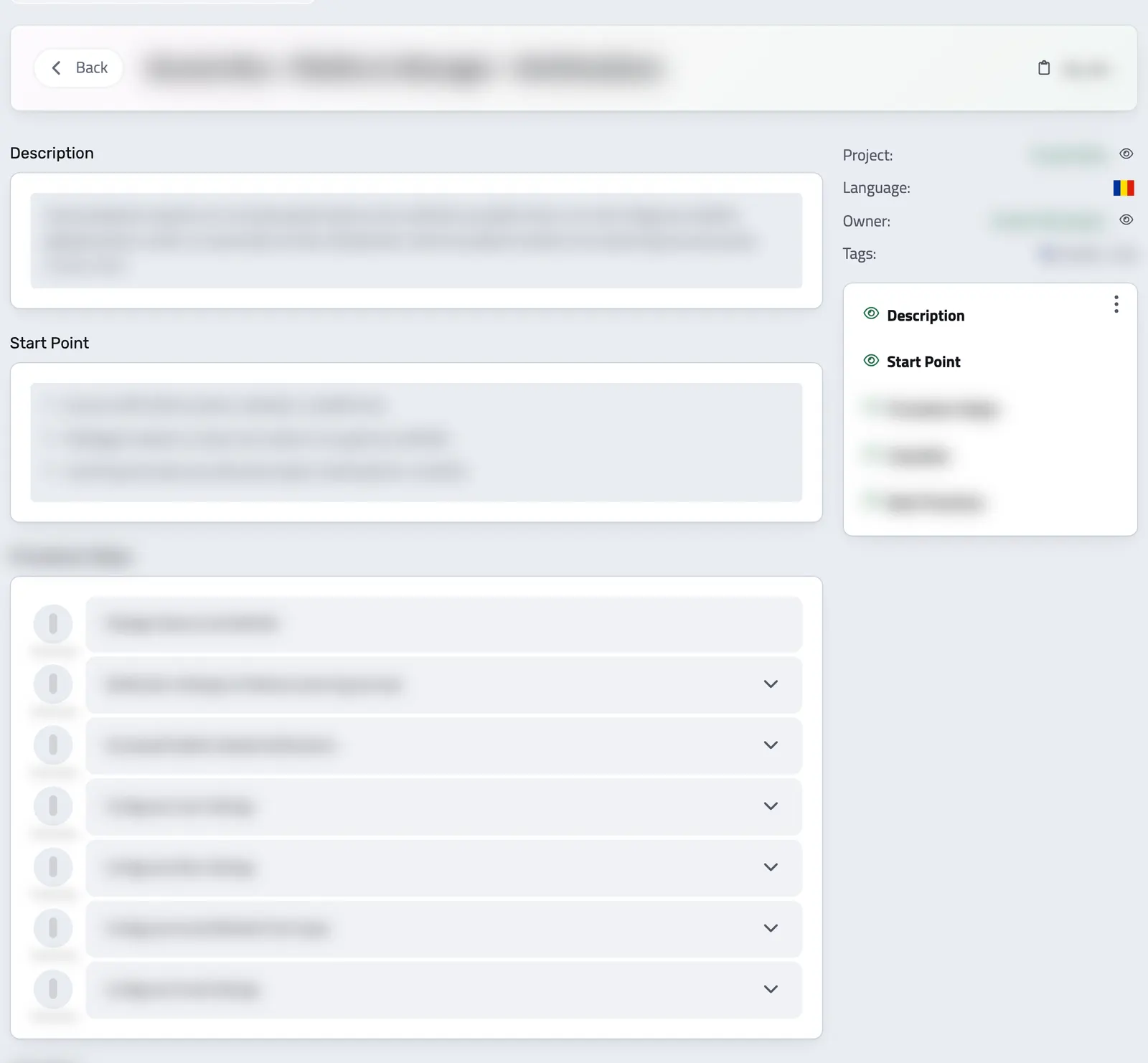
Write step-by-step procedures for the work your team repeats, with checklists, files and video, and keep them up to date as the work changes.
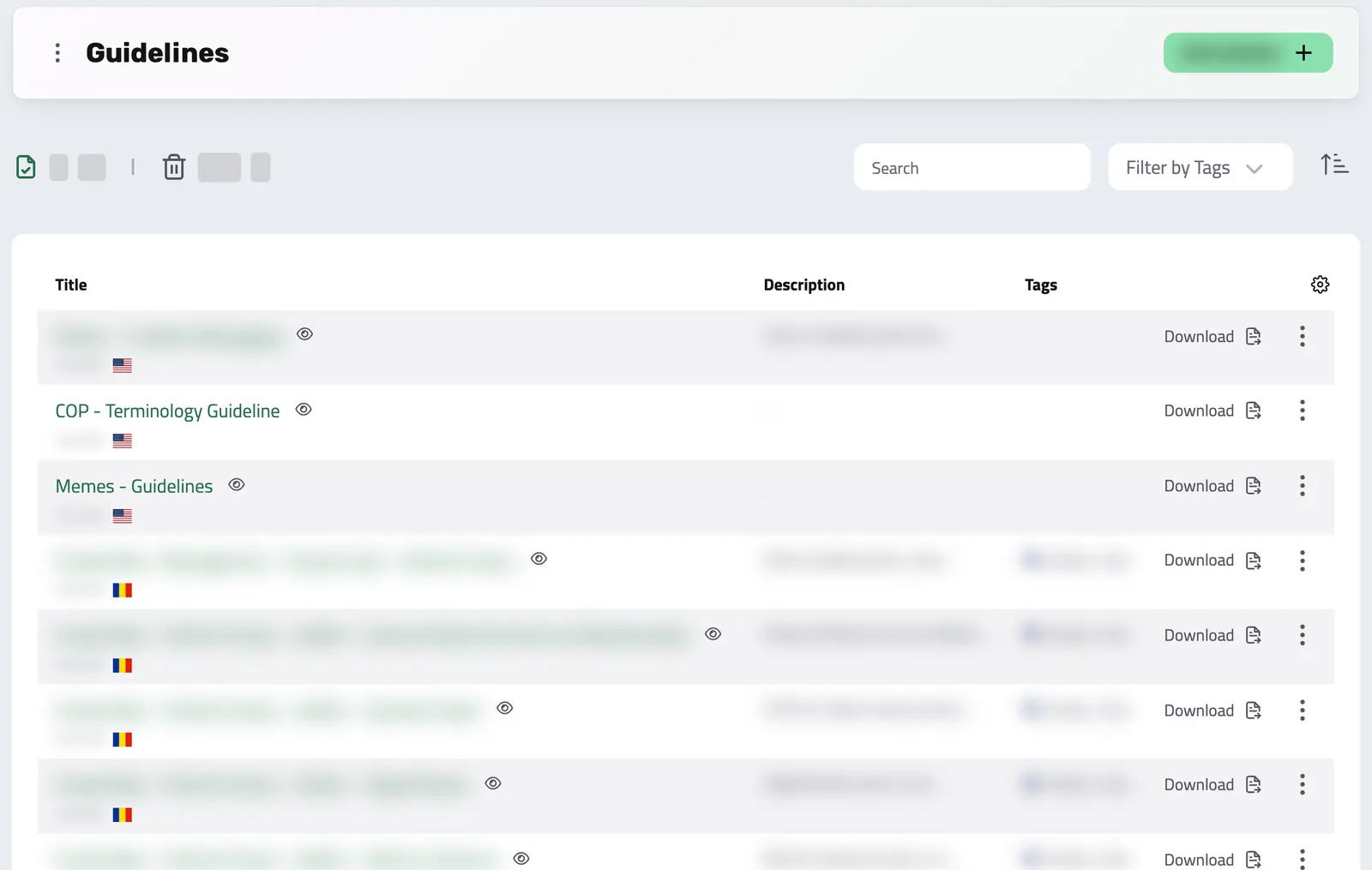
Document your best practices and policies, and keep your team aligned with clear, accessible guidelines.
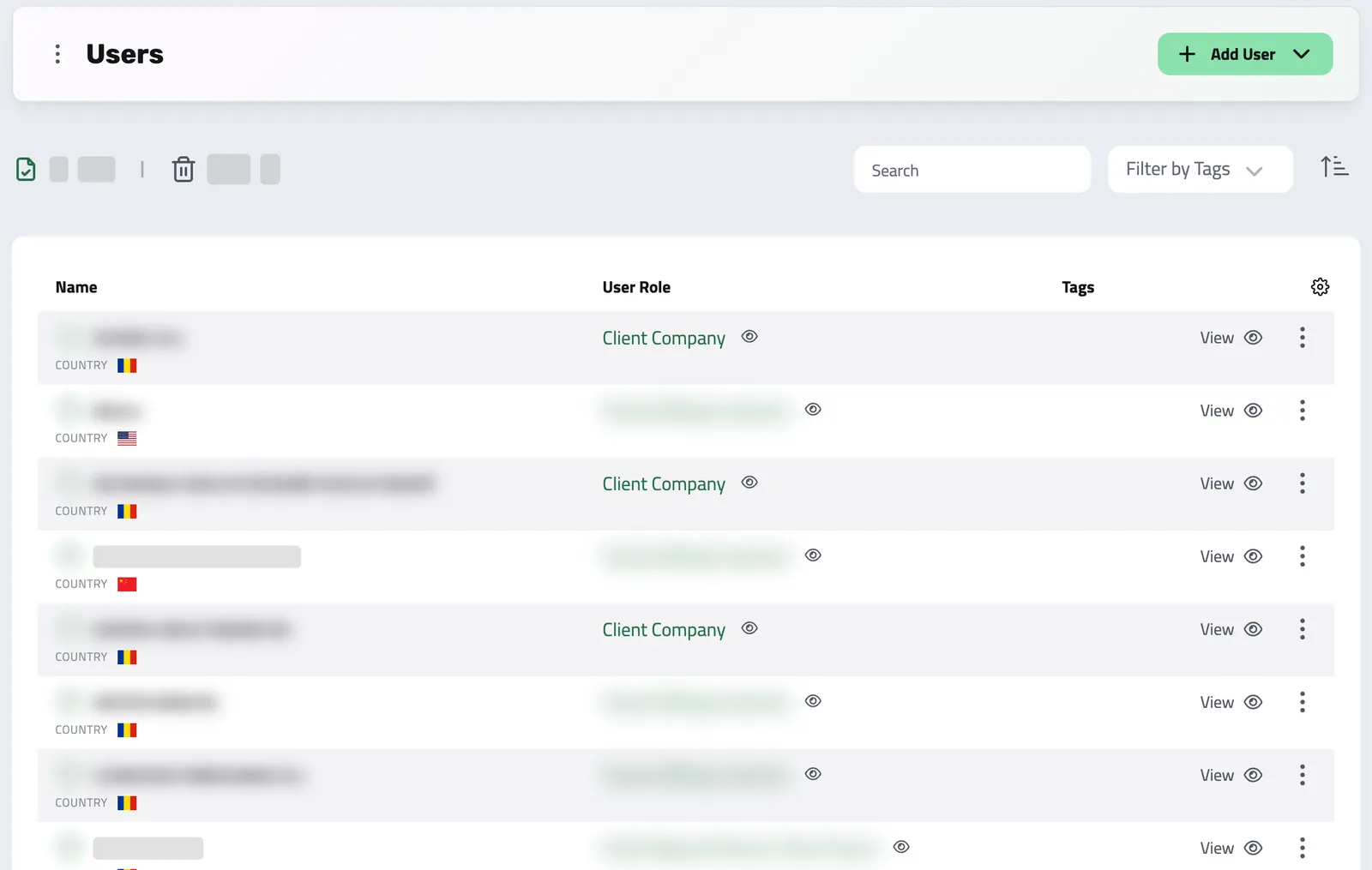
Clients, suppliers, and colleagues share one list in Enlivy. Open anyone's record to see what they owe you or you owe them, their documents, reports, and proposals, as far as your role allows.
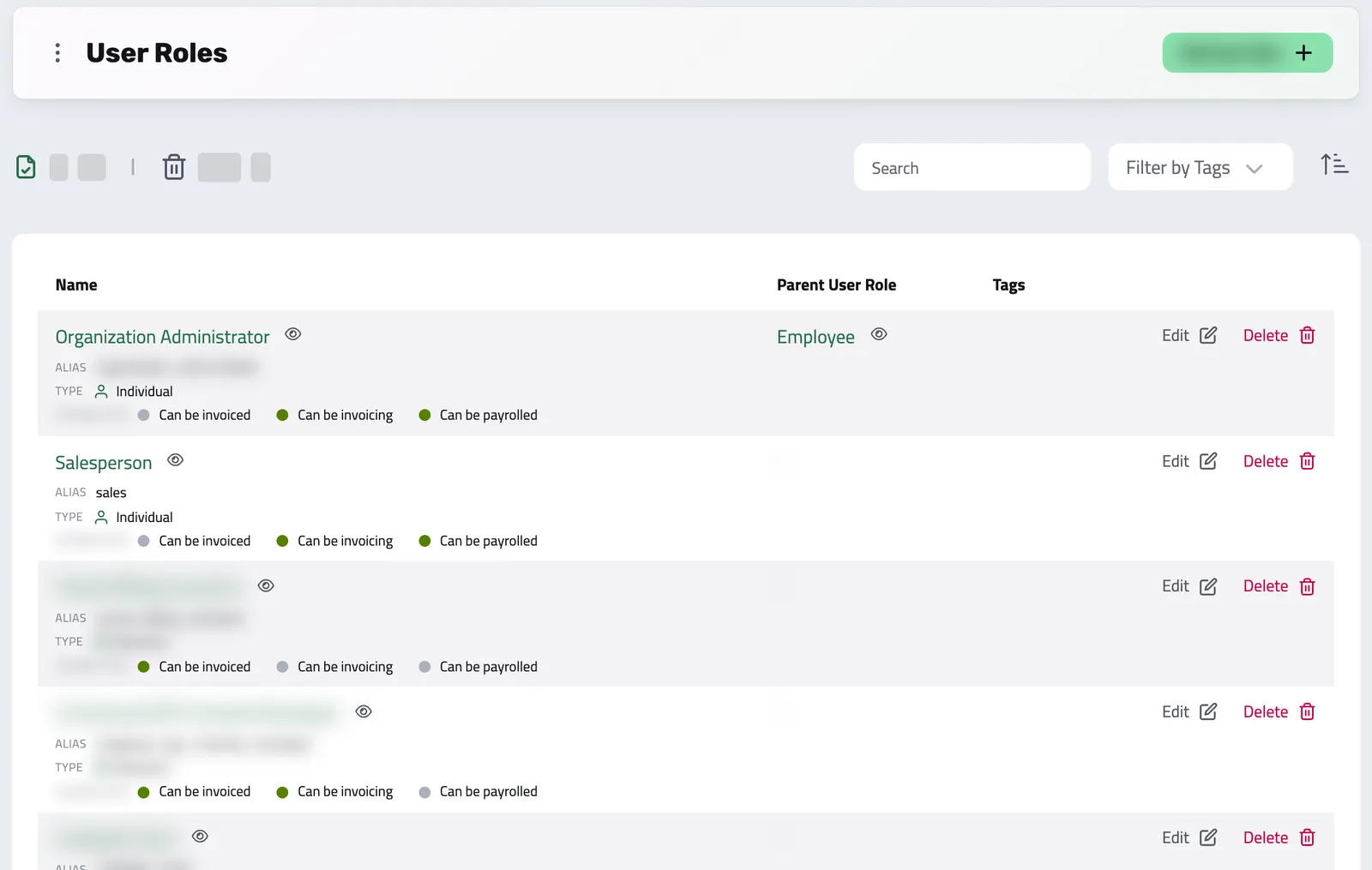
Give every user the right access with role-based permissions. Decide who can invoice, manage payroll records, or reach the back office, and adapt roles as your team grows.
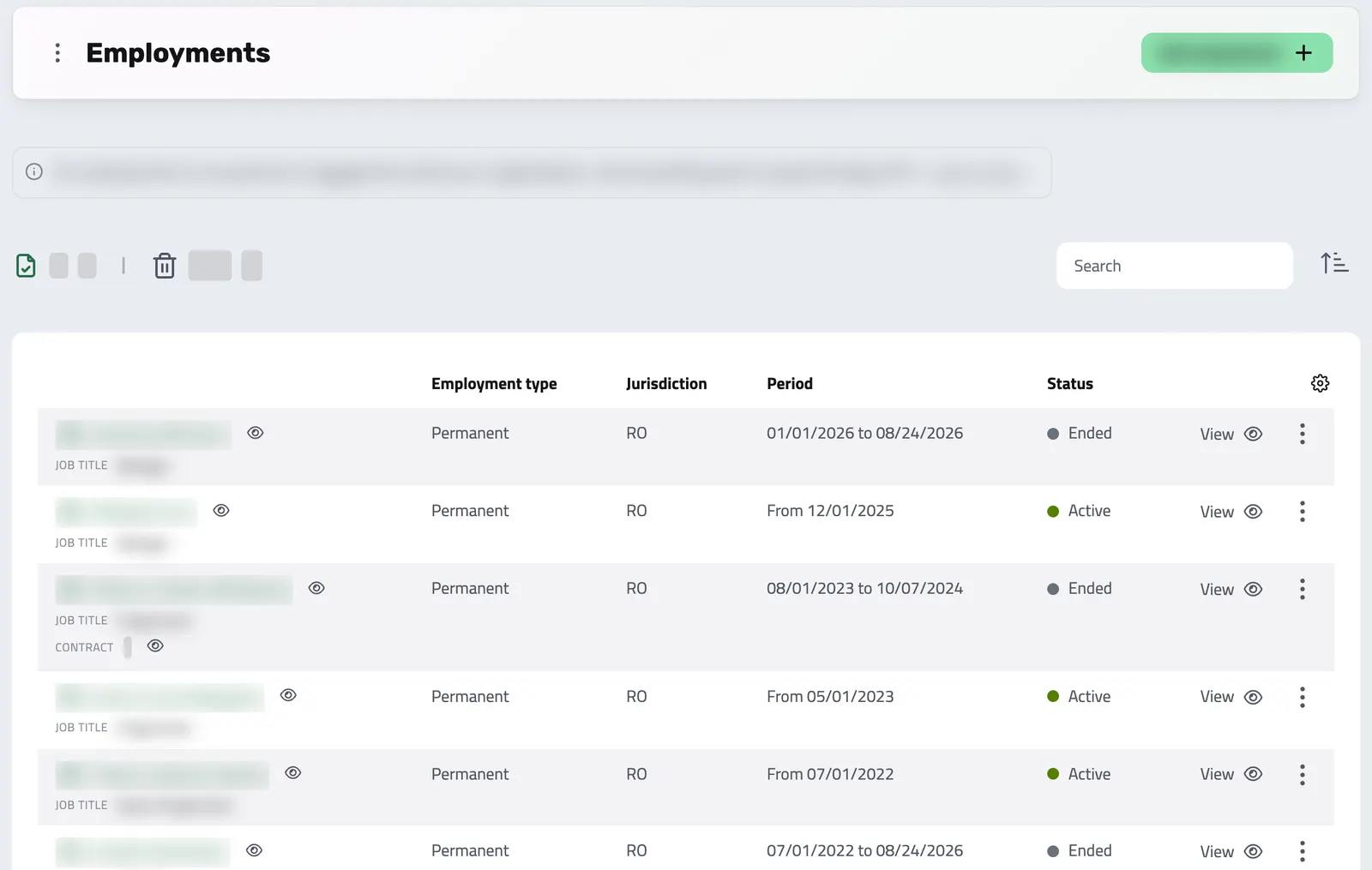
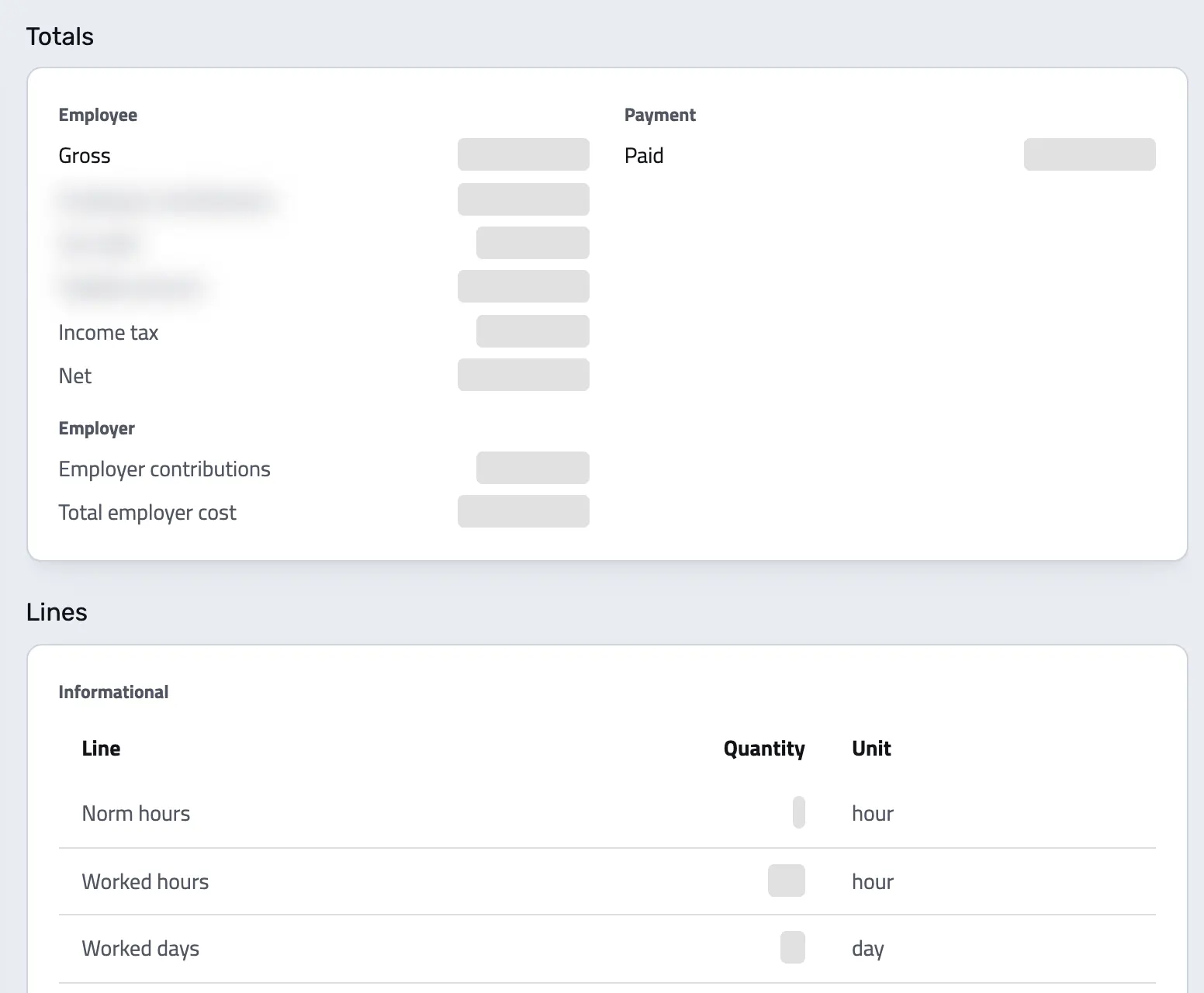
Record each employment, what the person did each day and how long to keep each record. The rules come from the person's jurisdiction, not your company address.
Your accountant works out the figures, and you record each amount in Enlivy on its own line, under your country's payroll code. Enlivy checks that the lines match the payslip's totals.
The API, AI assistants, automations and exports for your accountant.
Connect Enlivy to your other tools and platforms through its API, and build integrations that keep up as your business grows.
Connect Claude, ChatGPT, Cursor, or another MCP-compatible assistant to work with your invoices, contracts, and pipeline, within your own permissions.
Moments after something happens in Enlivy (an invoice is paid, a transaction lands, a user changes), a webhook fires to your system. React to events instead of polling for changes or waiting on reports.
Connect Enlivy to your other tools through Zapier, without code. Send what happens in Enlivy to another app, or create and update records in Enlivy when something happens elsewhere.
Stop checking dashboards to find out what changed. Enlivy brings important moments directly into Slack, from payments and proposals to Helpdesk conversations. Connect once, choose your events and route them to the right channels.
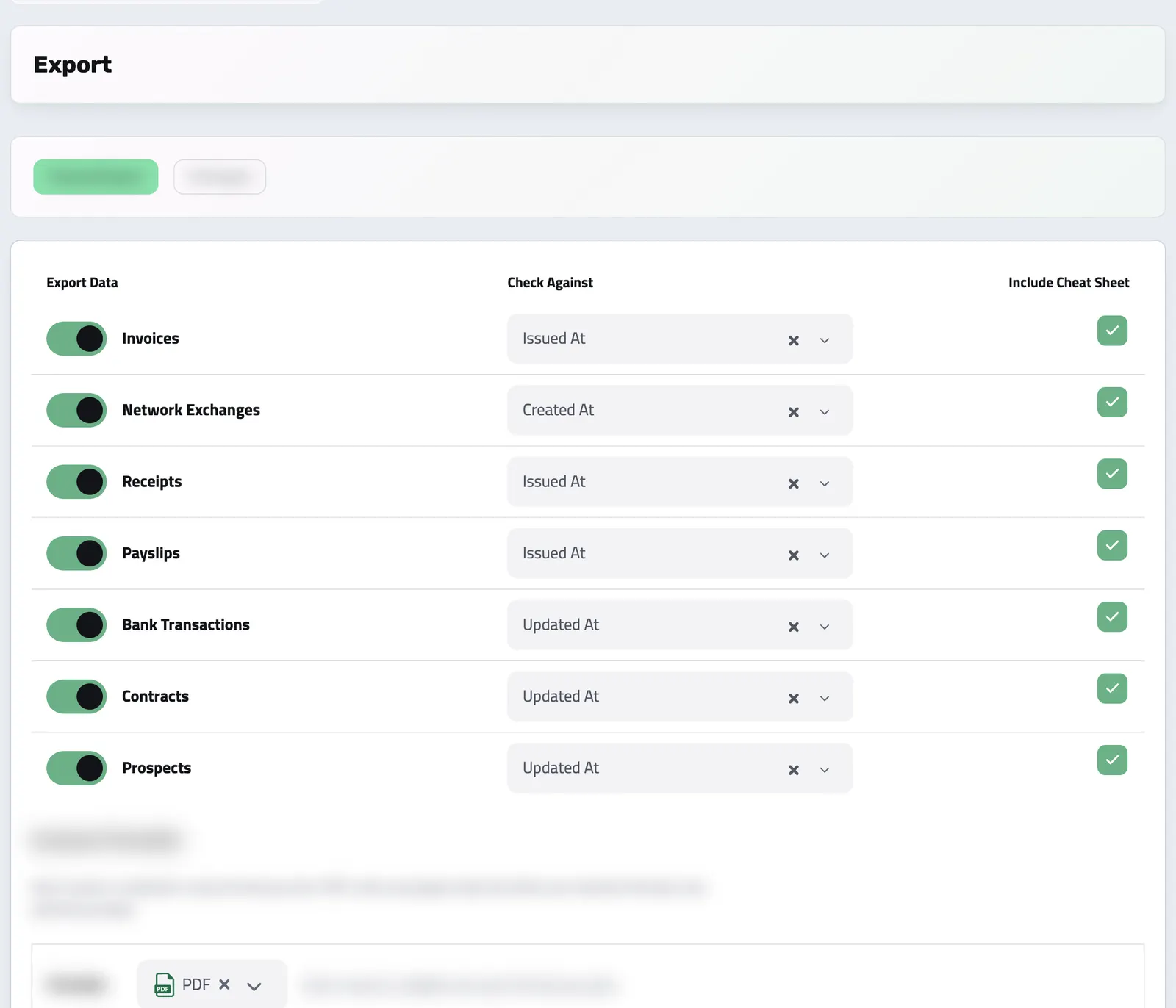
Choose the period and the record types, and download one archive for your accountant, with a summary spreadsheet for each type if you want one. Free on every plan.
Proposals, contracts, invoices and payments
Send proposals, contracts and invoices, and get paid. Your clients accept, sign and pay from your emails, and find every document in a portal with your name.