Key takeaways
- You now sign in at identity.enlivy.com. Use an emailed code, a password, Google or a passkey, and add a second step if you want.
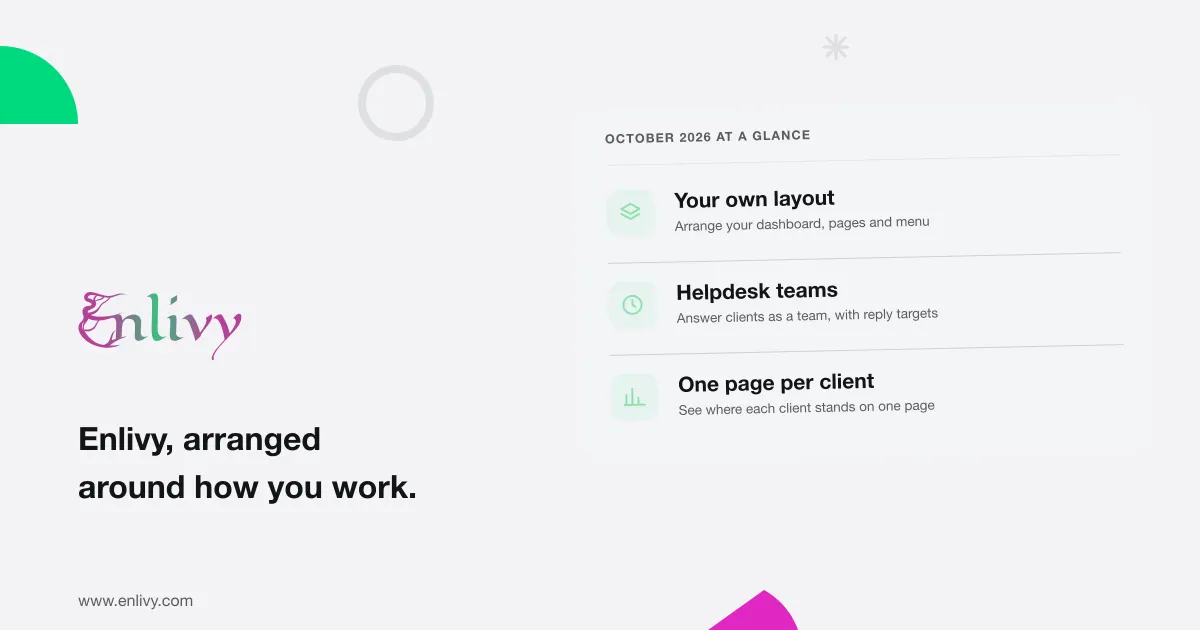
- You decide what your pages show. Choose the widgets on your dashboard and on the Helpdesk and prospects overviews, and keep the lists you often check in your menu. A service you run can also appear in Enlivy as an App, with its own pages and widgets.
- Helpdesk works in teams. Set reply targets, and see who has replies waiting and which are late.
- A single page shows where a client stands: what they owe you and what you owe them, in each currency. You can email them a recap of any period up to 92 days, or a report they can confirm in your Customer Portal.
- Texts go from your own Twilio account. Signing invitations, signing codes and payment reminders show your number or your name.
- When you drop a supplier bill on your dashboard, Enlivy fills in its lines and suggests the bank payment that paid it. It uses your organization’s own OpenAI or Anthropic key.
What you will notice in the app
Start with what you will notice the next time you open Enlivy.
What October changed for you
October was about the screens you use every day: your pages and menu, your own services as Apps, Helpdesk for teams, where each client stands, reports clients confirm, texts from your own number, supplier bills and a short developer section. The full list is at the end.
Arrange Enlivy around the way you work
A salesperson checks the pipeline every morning. A bookkeeper checks unpaid invoices. They do not need the same screen.
Since October, each person can arrange the dashboard, the Helpdesk overview and the prospects overview (the leads you are working on) with widgets from groups such as Money and Work. On a Helpdesk conversation, a report or an invoice, you choose which sections sit beside it and in what order.
Your organization can set a standard layout and menu for everyone. Each person can keep their own version, with renamed menu items, icons, groups and saved pages, or go back to the standard.
Bring your own services into Enlivy
Since October, a service your business runs on its own servers can appear in Enlivy as an App. You or your developer build it, and its records stay in your service.
Answer clients as a team
In October, Helpdesk got what a team needs to share the work.
Teams. A team owns its inboxes and has members and a lead. Automatic assignment respects the cap you set on each teammate’s active conversations.
Reply targets. Set the hours your team has to reply, for the whole Helpdesk or one inbox, around the clock or in working hours. Urgent and high-priority conversations can have shorter targets.
Who it is waiting on. Each conversation says whether it waits on your team or the customer, and when your reply is due or how late it is. If a message needs no answer, mark it “No reply needed”.
Helpdesk now opens on an overview with conversation counts, reply performance and team workload: who has replies waiting, and which are late.
See where each client stands
A person’s page (for a client, a supplier or a teammate) now starts with their name, their main identifier (for a company, usually its tax or registration number) and their contact details. Below, money is shown per currency, never mixed:
- what is open and what is overdue, both what they owe you and what you owe them;
- what you invoiced this month and this year, against the same days of last month and last year, and in the whole of last year.
Each figure opens the invoices it counts. The page also shows their open proposals, conversations, reports and a timeline. Teammates see only the sections they may open.
A recap goes out only when someone chooses “Send recap”, and it needs a connected mailbox.
Reports your clients can read and confirm
A report is a form your team or your client fills in, such as a monthly activity report. You can now download and send reports.
- Download it as a PDF, standard or compact, in the report’s language or another. The PDF shows who prepared it and for whom.
- Send it by email once it is submitted, with up to ten copies, a note and the PDF. The email links to records the recipient can open in their Customer Portal.
- Ask the client to confirm they read it. If the template asks for it, the client confirms on the report’s page in your Customer Portal, which also lists the reports waiting for them.
Text clients from your own number
Since the end of October, you can connect your Twilio account in Enlivy, under Integrations and then SMS. Choose the sender your clients see (your number or your name) and the countries it texts. Twilio bills you for each text.
Supplier bills, read line by line
In August, dropping a supplier bill on the dashboard opened a filled-in form. Since October, Enlivy also reads each line, with its quantity, price, discount and unit. When the lines show their tax and add up to the totals, it adds one tax row per rate. It suggests the bank payment that paid the bill, from the printed reference, and records it when you save.
For developers: Apps and checkouts
Apps. Register an App from your developer account, following the build guide: it installs directly where you are allowed to install Apps, and your other organizations receive an installation request.
Checkouts. Your code can now open a checkout for a billing package, paid on a checkout page in your Customer Portal or in a form on your site. Creating checkouts needs the Billing Schedules pack.
Fixed this month
Everything in October, in one list
- Sign-in at identity.enlivy.com, with an optional second step
- Account area for profile, devices and security history
- Claude and ChatGPT named when you connect them, and each disconnected on its own
- Connected apps listing each device an app is signed in on, signed out one at a time
- “Connect email” from any send
- Sent messages and Stopped recipients under Logs
- The latest delivery of each email and text on invoice, proposal, report and signing logs
- Invoices named by their printed number
- “Try again” when a page fails to load
- Invoice languages, followed by the PDF
- Paid date set with “When issued”
- Arrangeable overviews, menu and sections beside records
- An organization standard and personal versions
- Filtered lists in your menu or dashboard
- Apps with their own pages and widgets
- Helpdesk teams, reply targets and who each conversation waits on
- Helpdesk overview page
- Team workload page, unassigned conversations on top
- Reply performance report, widget and CSV export
- Helpdesk emails under “My notifications”
- Website chats opening with the welcome message, bold text and links
- Pasted web addresses that become links
- “Resolve and next” in filtered lists
- Conversation events that name who assigned, added or removed whom
- A person’s page, with money per currency
- Client recaps by email
- Sent and received e-invoices and reports in person exports
- Report PDFs, standard or compact, sent by email
- Client confirmation of reports in the portal
- Portal access set under “Portal Access”
- Portal sign-in codes sent by Enlivy when your email is not connected or fails, up to 1,000 a month
- Texts from your own Twilio account: signing invitations, signing codes and payment reminders
- Supplier bill lines, with tax per rate and line-by-line advice
- Suggested bank payments, one covering several bills
- New suppliers added from the bill, identifiers checked
- Claude beside OpenAI, with your own key
- Billing schedules found by customer in search
- For developers: App registration, installation requests and AI drafts you approve
- For developers: checkouts with an estimated price and tax
- Checkouts page: fix, extend up to 30 days, or end
- The nine fixes above
Most of October went into the screens you open every day, so a salesperson, a bookkeeper and a support teammate can each see their own work first.
In November, Enlivy is at Web Summit in Lisbon. If you are there and want to talk, write to us.
If you take one action, filter your invoices to the ones you check every week and choose “Add to my dashboard”.
New to Enlivy? Start free. Enlivy is a commercial operations platform, and that page explains what the name covers.