Getting one person to sign a contract is straightforward. Getting three people to sign the same contract, without the coordination getting out of hand, is where things usually fall apart.
Someone does not get the email. Someone signs an old version. Someone is waiting on someone else without knowing it. A week passes.
Enlivy’s contract signing system is built to eliminate this friction. You prepare the contract once, and the platform handles the rest: individual signing links, identity codes, live status in the app, and signing emails. If you want a full breakdown of how the signing system works under the hood, we covered that in detail here.
Here is exactly how it works.
The Problem with Multi-Party Contract Signing
When a contract needs signatures from three or more people, the traditional approach usually looks something like this:
You create the contract, export it to PDF, and email it to the first person. They sign it, scan it, and send it back. You forward it to the second person. They are confused because the document looks slightly different from what they expected, or they cannot find the email, or they simply forgot. You follow up. Eventually, you collect all signatures one by one, manually, over several days.
There is no real-time visibility. There is no automatic notification when someone signs. There is no one version that everyone can trust.
With Enlivy, every signer works in parallel, from their own link.
How Multi-Party Signing Works in Enlivy
Step 1: Create and Configure Your Contract
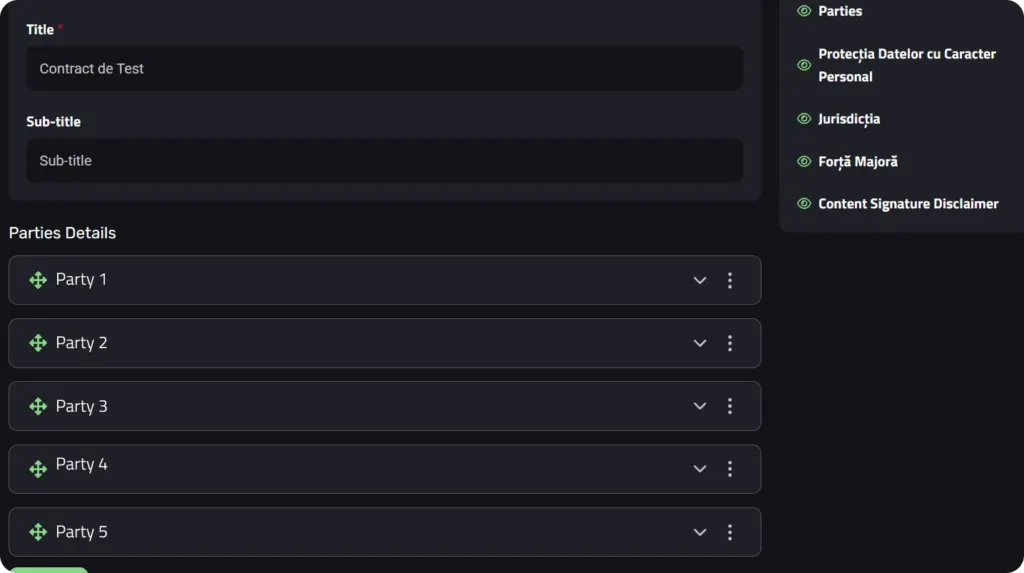
You start by creating a contract in Enlivy the usual way: using your reusable chapter templates, adding party information, and setting the contract terms. Once the content is ready, you configure the signing settings before sending.
This is where you define who needs to sign. You can add multiple signers directly from your existing user list in Enlivy, or enter new contact details manually. Each signer will receive their own independent signing link. There is no passing a document from person to person.
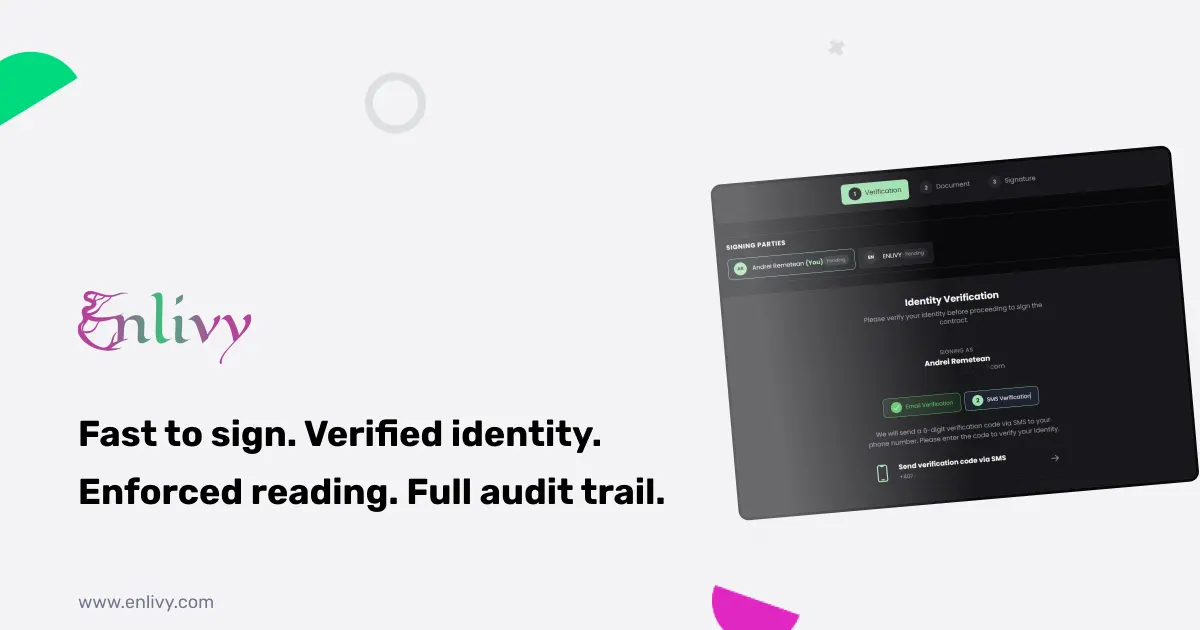
You also choose the verification level for each signer: email verification, phone (SMS) verification, or both combined. This ensures that every signature is tied to a confirmed identity, not just a name typed into a box. You can read more about how identity verification works in Enlivy’s signing flow here.
Step 2: Each Signer Gets Their Own Link
Once the contract is ready, you send each signer their own email invitation, one click per signer.
Each person receives a clean email with a personalized link to their version of the contract. They do not need an Enlivy account. They do not need to install anything. They just click the link, verify their identity, read the contract, and sign.
The order does not matter. Person 1 can sign on Monday. Person 2 can sign on Wednesday. Person 3 can sign the same afternoon the email arrives. Everyone works on their own schedule.
Step 3: Status Updates With Each Signature
This is the part that changes how multi-party contracts feel.
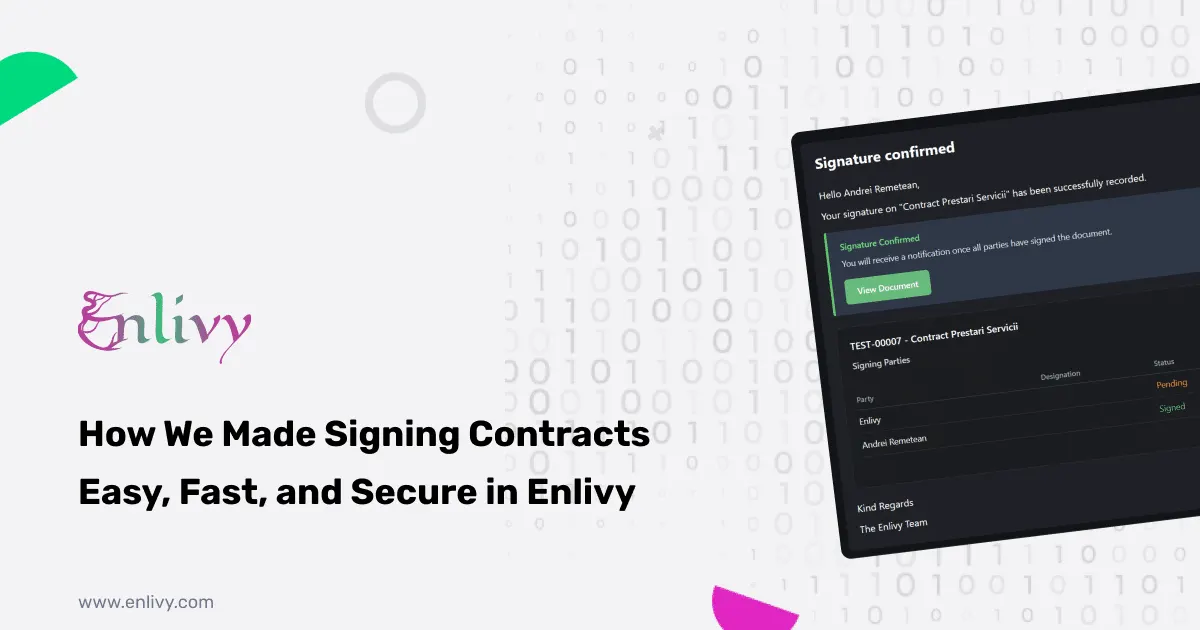
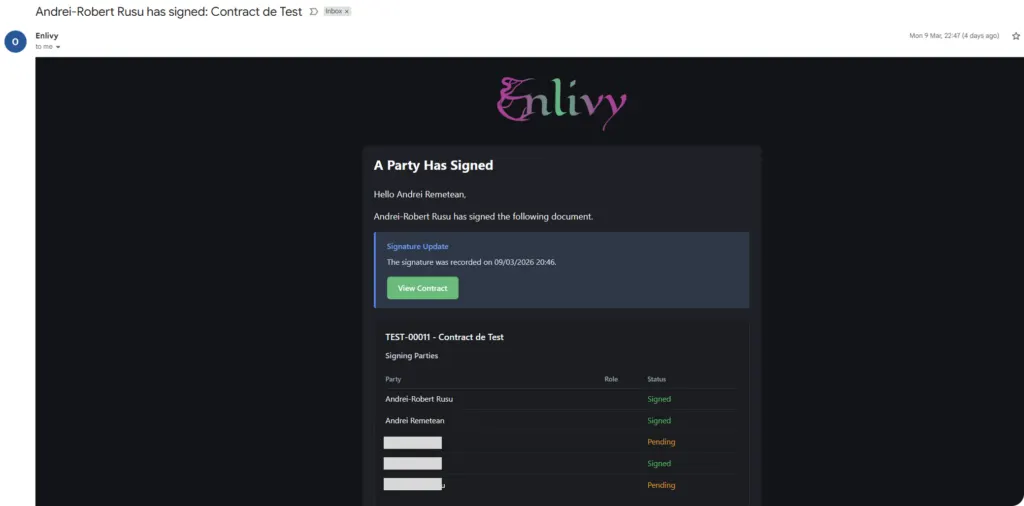
When Person 1 signs, the contract’s status updates in Enlivy to show their signature, and Person 1 gets an email confirming it. Signers still due to sign are not emailed; they sign from the link they already have.
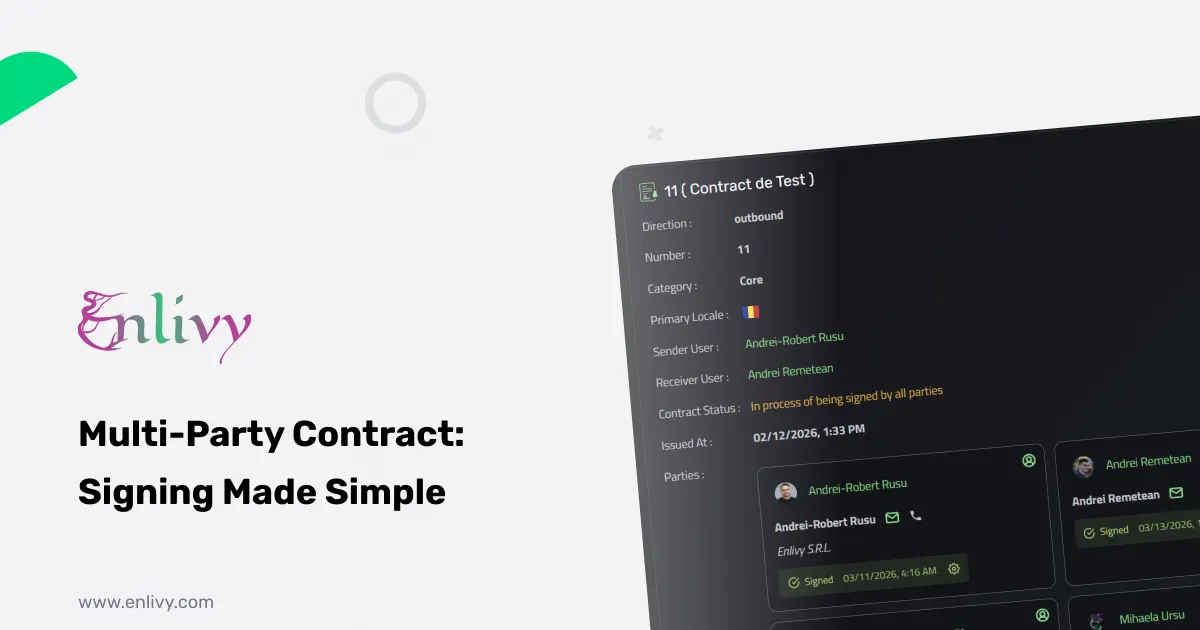
When Person 2 signs, the same thing happens, and Person 1, who has already signed, gets an email saying a new signature landed. Each signature is tracked in the app, with no manual follow-up required.
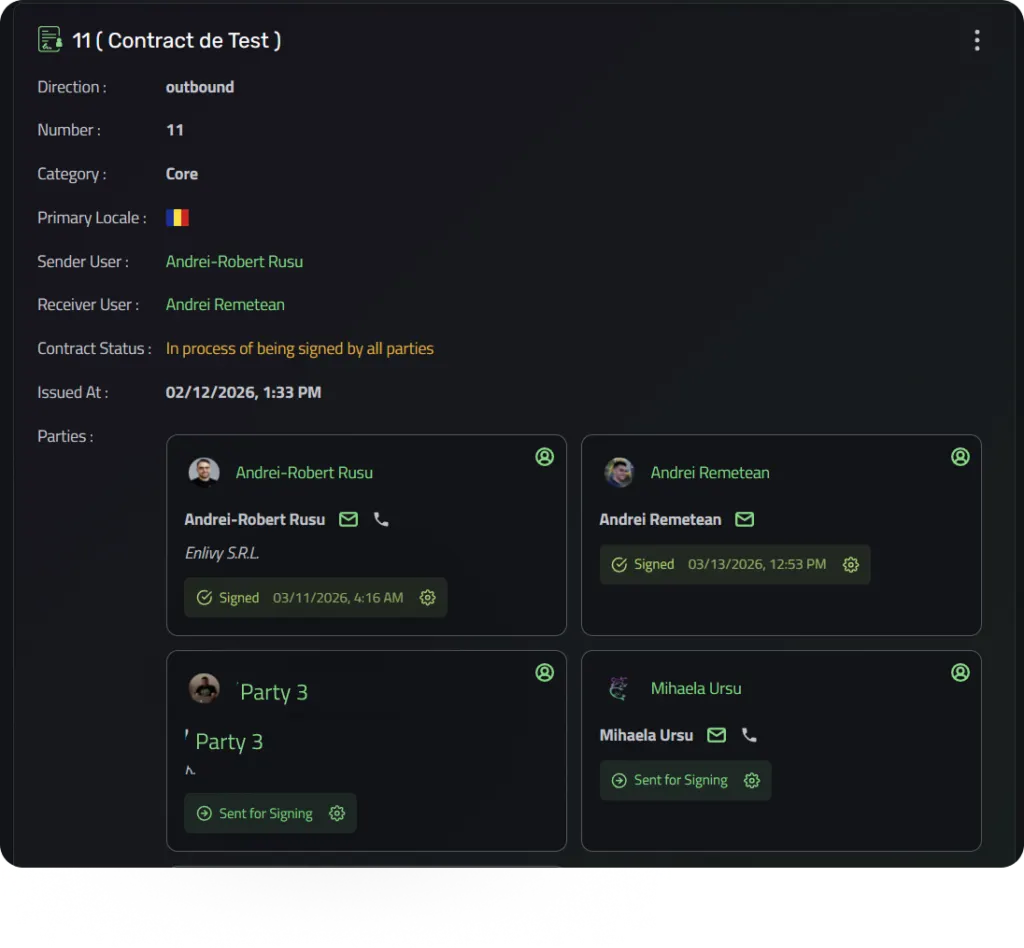
You always know exactly where things stand: who has signed, who has not, and when each action occurred.
Step 4: When Everyone Has Signed, the Final Version Is Delivered
Once the last signer completes the process, Enlivy automatically compiles the final version of the contract, complete with all signatures, and sends it to everyone involved.
Every party receives an email with a link to the finished document. From there, they can view it directly in their browser or download it as a PDF, and signers with a portal login can find it in the Enlivy customer portal at any time. No one has to request a copy. No one has to search their inbox six months later. The signed document is always available.
Why This Matters in Practice
Think about a service agreement that requires sign-off from your client, a department head, and a legal contact on their side. Three people, same company, different schedules.
With a traditional workflow, you are looking at four to seven business days, multiple follow-up emails, and no visibility into who is actually holding things up.
With Enlivy, each of the three gets their own link, sent in a few clicks. They can sign independently, in any order, whenever it is convenient for them. The whole process can complete in a single afternoon. And if it does not, you can see exactly who still needs to sign without sending a single follow-up email.
The live status also keeps things moving. You can see at a glance that Person 1 has signed and Person 2 has not.
What Each Signer Experiences
A contract process that is complicated for signers is still a broken process, even if your side is perfectly organized.
What a signer sees, step by step:
- They receive a clear email explaining they have been invited to sign a contract
- They click the link, with no account required
- They complete identity verification (email code, SMS code, or both, depending on the settings you configured)
- They read the full contract, with a reading progress indicator at the bottom of the screen
- Once the contract is fully read, they draw or apply their signature
- They confirm consent with a single checkbox: “I understand this is a legally binding agreement”
- They click Sign Contract and the process is complete
The entire experience takes a few minutes. There is nothing to install, nothing to print, and nothing to scan.
All Contracts and All Statuses in One Place
Beyond the signing flow itself, Enlivy gives signers with a portal login ongoing access to their contracts through a dedicated customer portal.
Signers can see contracts awaiting their action, contracts waiting on others, and fully completed contracts, accessible at any time from any device. They can download signed PDFs on demand, review contract terms months after signing, and always have a clear record of what was agreed.
For the person managing the contracts, the view is even clearer: you can see the live status of every contract, every signer, and every signature in the app, without having to follow up with anyone.
A Different Way to Think About Contract Signing
Most businesses treat contract signing as an administrative step that happens after the real work is done. Something to get through.
The reason it feels that way is because the process is fragmented. Documents here, signatures there, follow-ups in email, final copies scattered across inboxes.
Enlivy brings all of it together: contract creation, multi-party signing, signature tracking, and document storage, in one platform connected to the rest of your business operations.
When signing a contract is this easy, it stops being a bottleneck and starts being the moment a project actually begins.
Want to see how Enlivy handles the full contract lifecycle, from creation to signing to storage? Read the complete guide to Enlivy’s contract signature system, or see the Contracts feature page for what the pack includes.