You can ask ChatGPT for an invoice and get one in seconds. Whether it is an invoice you can send depends on where it ends up: a block of text in a chat, a document from a template, or a numbered record in your invoicing software. This guide walks through the three ways, what each one gives you and where each one stops. We make Enlivy, one of the tools that connects to ChatGPT. Where a simpler option is enough, we say so.
Looking for the invoice for your own ChatGPT subscription? That is a different question, and OpenAI’s help page answers it.
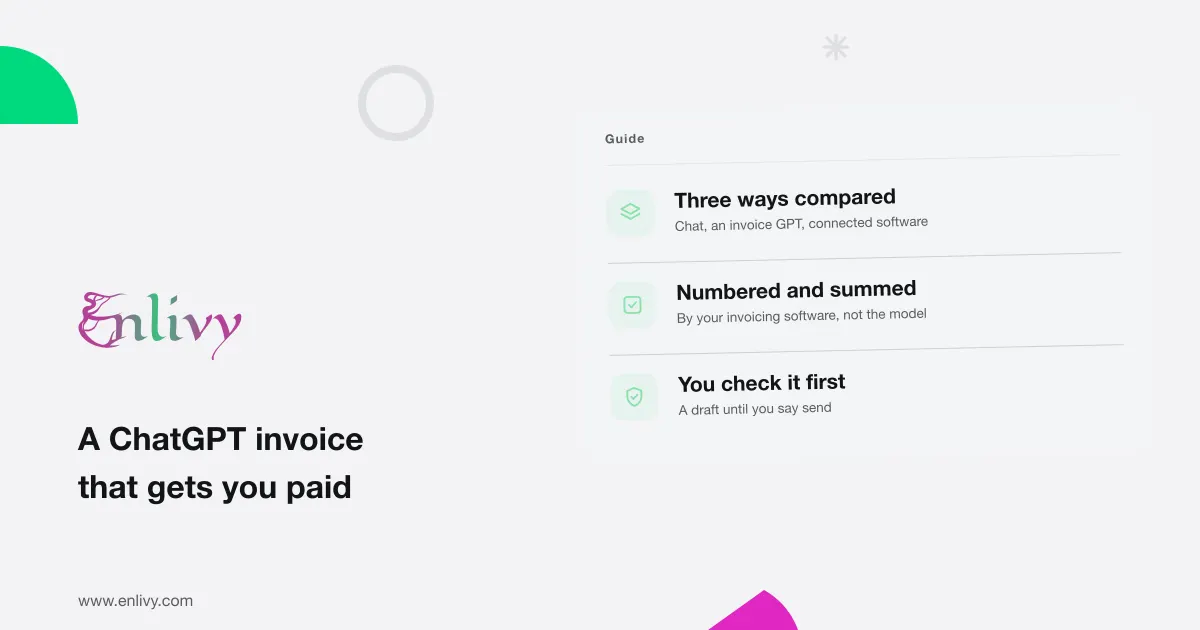
Three ways to make an invoice with ChatGPT
1. Ask ChatGPT to write it
Type something like “Write an invoice from Harbor Design to Acme Inc for 12 hours of design at $90 an hour, due in 30 days” and ChatGPT lays out a clean invoice: your details, the client’s, the line, the total, the due date. Copy it into a document, export a PDF, attach it to an email.
For a single invoice that is often enough. The limits show up on your second and third invoice:
- You track the numbering. ChatGPT does not know which number you used last time. In the UK, every invoice needs a unique number, and most businesses keep them in one unbroken sequence.
- Check the arithmetic. A language model writes numbers that look right but can be wrong. On a long invoice with a discount and tax, add it up yourself.
- Nothing tracks the payment. Once the email is sent, the invoice lives in your sent folder. You track whether it was paid, and when, in a spreadsheet by hand.
2. Use an invoice GPT
Some companies publish a custom GPT for invoices (a version of ChatGPT set up for one task), such as HubSpot’s AI invoice generator. You describe the job, it fills a template and gives you a document that looks more finished than plain chat text.
It is still a document, not a record. The numbering, the sums and the follow-up are the same three jobs as above, and they are still yours.
3. Connect ChatGPT to your invoicing software
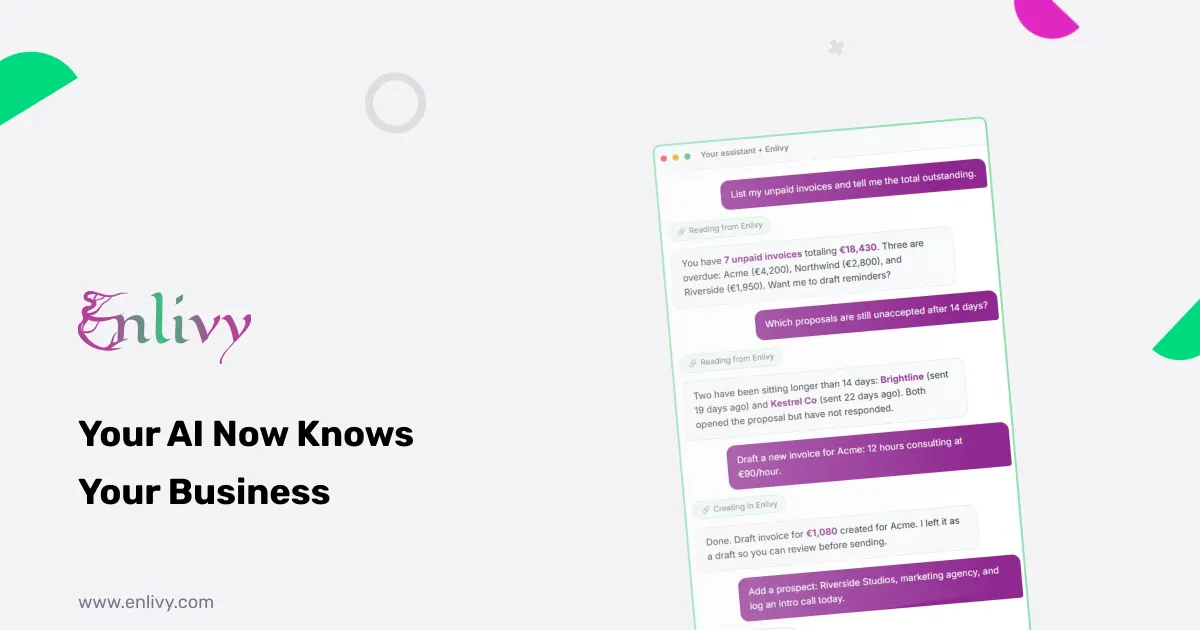
With the third way, the invoice lives in your invoicing software. ChatGPT connects to your invoicing software, you ask in plain language, and the software creates the invoice: numbered next in your invoice sequence, with the totals and tax worked out from the lines, saved with the client’s other invoices.
Several tools offer this today, most of them through MCP (Model Context Protocol), an open standard for linking AI assistants to outside software. Intuit describes creating invoices in QuickBooks from ChatGPT, Zoho connects Zoho Invoice through its MCP server, and Enlivy connects the same way.
How it works with Enlivy, step by step
Connect once
Add Enlivy in ChatGPT as a custom MCP server (OpenAI has also called these connectors and apps) with the address https://mcp.enlivy.com/mcp. Then sign in with your Enlivy account and choose which of your businesses (organizations, in Enlivy) ChatGPT may use. OpenAI changes where this setting lives and which ChatGPT plans have it, so follow OpenAI’s help pages for the current path. The MCP integration page has step-by-step guides for ChatGPT, Claude, Cursor and VS Code.
ChatGPT never sees your password. It acts as you, with the same permissions as your Enlivy user, in the businesses you chose, and you can disconnect it from your Enlivy account at any time.
Ask for a draft
Invoice Acme Ltd for 12 hours of design at $90 an hour, due in 30 days. Make it a draft and show me before you send anything.
ChatGPT finds Acme among your clients (if two match, it asks which one; if Acme is new, it asks for the client’s details and adds them), and Enlivy creates the invoice as a draft. You don’t type the number: Enlivy takes the next one in your sequence. You don’t type the total either: Enlivy works out the subtotal, the tax and the total from the lines, so the sums come from the software, not from the model.
Check it
ChatGPT reads the invoice back: the number Enlivy gave it, the subtotal and the total. If the hours or the client are wrong, say so and it corrects the draft. To see the PDF, open the invoice in Enlivy; ChatGPT can only tell you it is ready.
Send it
Looks right. Email it to Acme.
Enlivy emails the invoice from your own email account, connected once in Enlivy, so it reaches your client from your address, with the PDF attached and the number, dates, payment method and lines in the body. If no email account is connected yet, ChatGPT tells you, and you connect one in Enlivy first.
Get paid
The invoice shows how to pay. A client paying by bank transfer uses the details on it. To take card payments, connect Stripe in Enlivy: you can then send a payment link from the invoice in Enlivy, and clients can pay with a saved card in your client portal, the page where they see their invoices. A card payment marks the invoice paid by itself. You mark bank transfers as paid yourself in Enlivy, and with that done, the list of what you are still owed stays current without a spreadsheet.
From then on the same chat can answer the follow-up questions: “Which invoices are overdue?”, “How much did Acme pay this year?”, “Draft a polite reminder for everything more than 14 days late.” For what a good reminder says, see how to chase unpaid invoices.
What to keep in your own hands
A connected assistant saves the typing. It should not make your decisions for you:
- Ask for a draft and read it. Say “draft” in your request, as above, and check the client, the lines and the total before anything goes out.
- Tax comes from your settings. Enlivy applies the tax rate set on the invoice line or on the service you sell. If a rate looks wrong, fix the setting in Enlivy rather than asking the chat to change the number.
- Correct an invoice, don’t rewrite it. Once an invoice has gone out, the fix is a credit note (Enlivy calls it a reversal), not an edit to what the client already has.
Common questions
Can ChatGPT make a real invoice?
It can write a document that looks like one. Whether you can send it depends on the rules where you trade: in the UK, for example, every invoice needs a unique number, which a chat does not keep track of for you. Connected to invoicing software, ChatGPT asks the software to create the invoice, and the software keeps the numbering.
Is there a free way to invoice with ChatGPT?
Asking ChatGPT to write an invoice costs nothing beyond your ChatGPT plan. With Enlivy’s free account you can issue up to 20 invoices a month, and the ChatGPT connection is included. The 21st waits for the 1st of next month, or for the paid Invoicing pack. ChatGPT’s own plan decides whether you can add a custom MCP connection: check OpenAI’s help pages.
Does ChatGPT see all my invoices?
Only what your own Enlivy user can see, in the businesses you chose when you connected. What ChatGPT keeps from the conversation follows your ChatGPT data settings. You can disconnect Enlivy at any time from your Enlivy account.
Can ChatGPT send the invoice for me?
Yes, when you ask it to. Enlivy sends it from your own email account, so the client receives it from your address. Without a connected email account, nothing is sent and ChatGPT tells you why.
Does it work with Claude or other assistants?
Yes. Enlivy’s MCP connection also works with Claude, Cursor, VS Code and other MCP-compatible assistants. If you have a team, each person connects their own assistant and keeps their own permissions.
Try it on your next invoice
If you send a handful of invoices a month, start with the free account, connect ChatGPT, and ask for your next invoice as a draft. If one invoice a year is all you need, asking ChatGPT to write it is fine: just track the number and check the sum.