All-in-One Data Export
Export critical data effortlessly for analytical, reporting, or regulatory compliance purposes. Enlivy supports multiple formats, making data handling more flexible.
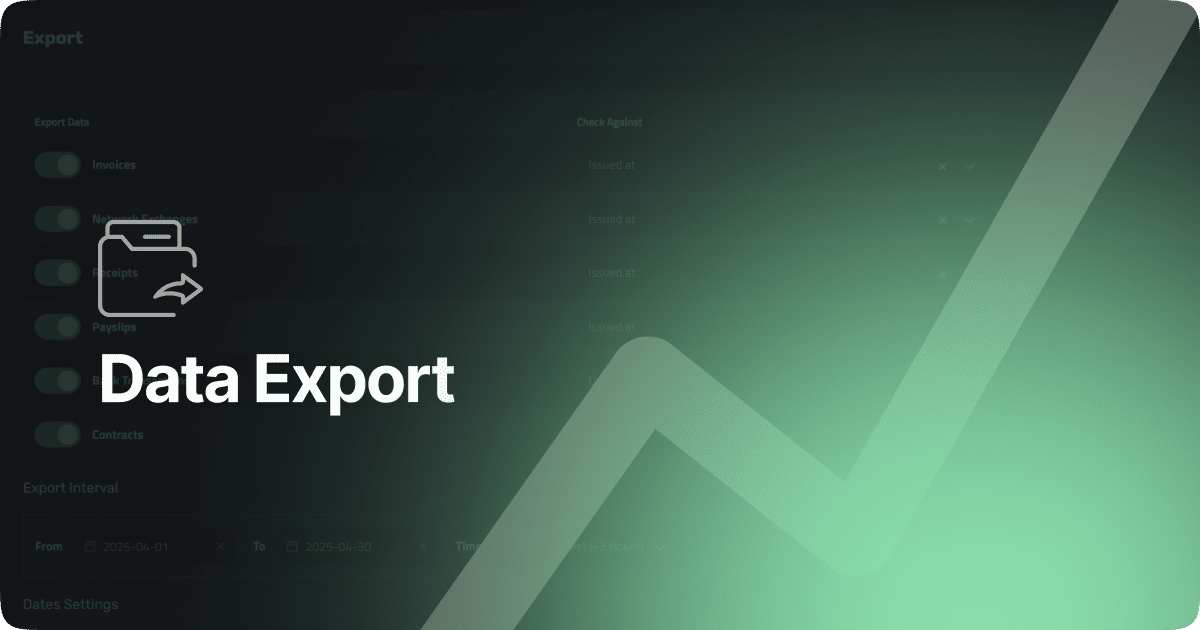
Export Financial Data, Instantly and Reliably
Export documents the smart way
Each month, you need to send financial documents to accountants, government systems, or internal teams, but doing it manually takes time and risks errors.
With Enlivy, you can export invoices, receipts, payslips, contracts, and bank transactions in the right format, timezone, and folder structure.
Whether for taxes, ANAF, or backups, Enlivy’s Export tool makes it fast, accurate, and effortless.
-
Built-In, No Setup Required
The Export feature is built into your Enlivy account — no extra cost, no third-party tools. Just log in and export.
No complex steps or manual uploads, just fast, real-time syncing. -
Designed for Accountants and Compliance
Made for accountants and auditors. Filters, date formats, folders, and cheat sheets cover everything, no follow-ups or missing files.
-
Secure and Consistent Every Time
Exports follow the same structure each month, saving time and reducing errors. Whether solo or in a team, your files stay complete and reliable.
Export Exactly What You Need, When You Need It
Customize your exports with flexible filters, date ranges, and data types.
-
Choose What to Export
Select from invoices, receipts, payslips, contracts, bank transactions, and even network exchanges. Pick one or multiple data types based on what your accountant or team needs.
-
Filter by Date Field
Use “Issued At”, “Created At”, “Paid At”, or “Updated At” to control which documents are included, depending on your reporting or tax filing workflow.
-
Set Time Period and Timezone
Specify the export range with a simple From–To selector, and make sure timestamps match your organization’s timezone or reporting jurisdiction.
-
Clean Structure, With a Summary
Sort your exports into inbound and outbound folders, or keep everything in one place – your choice. Optionally include a one-page cheat sheet that gives accountants and auditors a fast overview of the contents, without digging through files.

How to Export Your Data
From Filters to Files — Export in Just a Few Clicks
A guided process that puts you in control, from what you export to how it’s organized.
-
1
Select What to Export
Choose the data types you want: invoices, receipts, payslips, bank transactions, contracts, or network exchanges. No clutter, just what you need.

-
2
Filter by Date and Status
Use the “Check Against” dropdown to filter by issued, created, paid, or updated dates. Set your export interval and preferred timezone to match your reports.

-
3
Add Cheat Sheet & Folder Options
Want a summary page? Need files split by inbound/outbound? Just toggle the options, it’s all built-in.

-
4
Choose Your Format
Set the date format and locale for your export. Make sure your accountant gets the structure they expect.

-
5
Download Instantly
Click Download, select the Type of Files and the Locale then hit Confirm. Your files are packaged and ready to go in seconds.

Use It Every Month – For What Matters Most
Enlivy’s Export feature isn’t just flexible. It’s essential for your month-end routines.
-
Send files to your accountant in one go
Export invoices, receipts, and payslips in a clean package — with a cheat sheet and structured folders they’ll appreciate.
-
Back up critical records
Export to your local drive or cloud storage monthly. Keep a secure archive that’s easy to browse and ready for audits.
-
Share reports with internal teams
Need to inform finance or leadership? Export financial docs from multiple categories in a consistent layout, with zero guesswork.
-
Take your data with you, anytime
You can export all your records — invoices, receipts, transactions, contracts, payslips — structured and complete, across months or years. One click, full control, no vendor lock-in.
Have Questions?
-
What types of data can I export?
You can export invoices, receipts, bank transactions, payslips, contracts, and network exchange documents — filtered by date, status, or other attributes.
-
Is there a cost to use the Export feature?
No, the Export feature is fully included in your Enlivy subscription. There are no additional charges.
-
Can I filter the export by date or status?
Yes. You can filter by various date fields (issued, paid, created, updated) and other document-specific filters before exporting.
-
Can I export documents from previous years?
Yes. You can export records from any time period, including multiple years of historical data.
-
Can I export everything at once?
Yes. You can do a full export across all document types and all time ranges if needed.
-
Can I re-export the same period multiple times?
Yes. There’s no limit. You can export the same range as many times as you need, with different settings.
-
Can I include attachments in the export?
Yes. Any files attached to the documents (e.g., scanned receipts or signed contracts) will be included.
-
How long does it take to generate an export?
Usually just a few seconds — even for months of data. Larger exports (e.g., 2+ years) may take a minute or two.
Take Control of Your Financial Data
Export all your documents in seconds. Try it today!